WhatsApp has a 98% open rate. Email has 21% on a good day. The math is obvious: for any message that actually matters (trial expiring, payment failed, onboarding stuck), WhatsApp converts.
The math has been obvious for years. So why doesn't every SaaS use it?
Because the path from "I want to send a WhatsApp" to "I'm sending WhatsApps" is paved with three weeks of pain. Meta Business Manager onboarding. WhatsApp Business API account. BSP contract negotiation. Template approval. Webhook plumbing. Phone number verification. Display name approval. Quality rating monitoring.
Most teams give up at step 3 and go back to email.
This post is about how to skip all of that and send your first WhatsApp from your database in roughly 10 minutes.
What "WhatsApp from your database" actually means
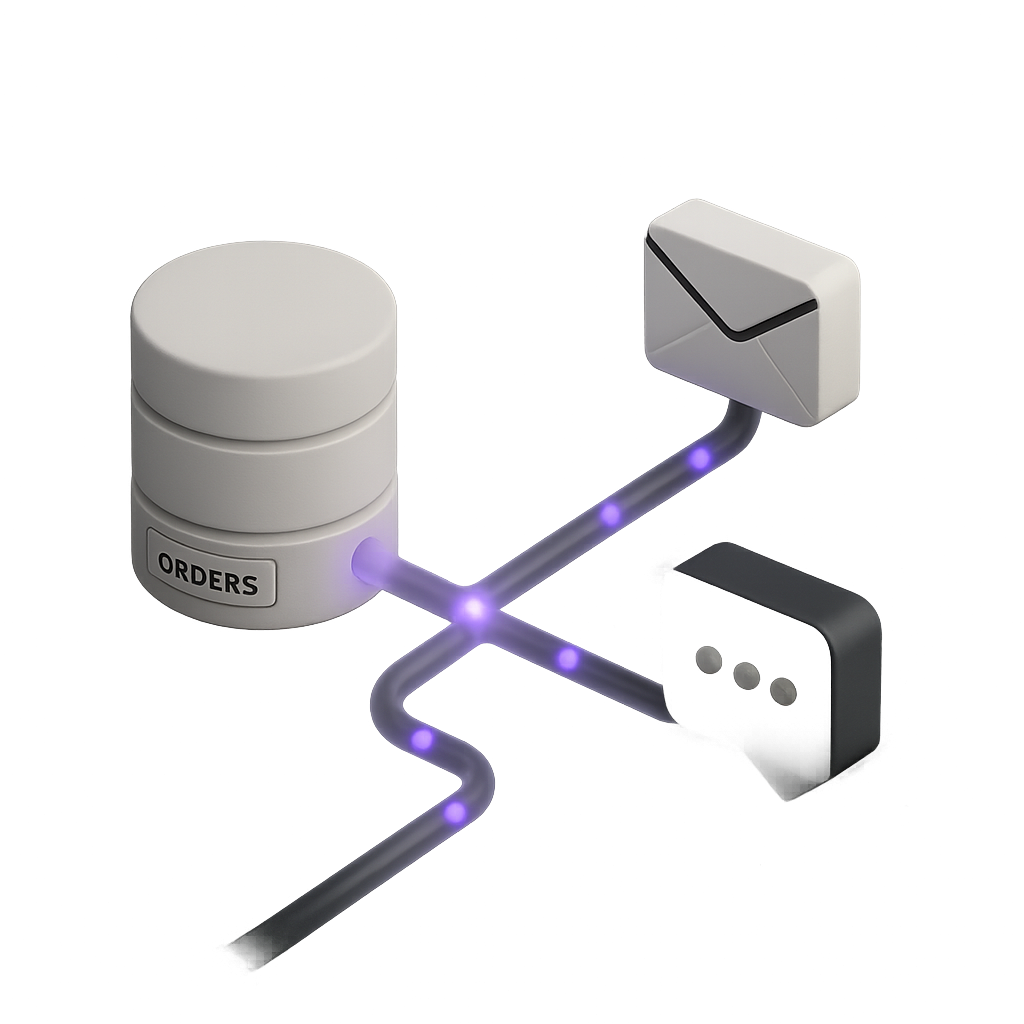
Before the how-to, let me be precise about what we're building. Three things have to be true:
- Trigger from a DB event. When
users.trial_ends_atis in 3 days, or whenpayments.statusbecomesfailed, or whenonboarding.completed_atstays null for 24 hours: that's the trigger. - Personalized from DB columns. The message includes
{{first_name}},{{plan}},{{trial_ends_at}}resolved from the actual user row, not a stale CSV. - Sent via WhatsApp Business API, not WhatsApp Web. This means it's a real, compliant business message with delivery and read receipts, not a hack that gets your number banned.
That last one is the part most DIY guides skip. WhatsApp Web automation is against TOS and your number gets killed within days. We're talking real WhatsApp Business API with a verified BSP.
The standard way (and why it takes weeks)
Here's what you'd do without Minimo:
Step 1: Get a WhatsApp Business Account
Open Meta Business Manager. Create a business. Verify it (this can take days). Create a WhatsApp Business Account inside. Add a phone number that's never been used on WhatsApp. Verify it via SMS or call. Get a display name approved by Meta.
Time so far: 3-7 days, depending on Meta's review queue.
Step 2: Sign with a BSP (Business Solution Provider)
You can't talk to WhatsApp directly. You need a BSP: Twilio, MessageBird, 360dialog, Vonage. Each has a contract, monthly fees (€30-€500), per-message markup, and an onboarding process.
Time so far: 1-2 days for contract + setup.
Step 3: Submit message templates
WhatsApp Business doesn't let you send arbitrary text outside a 24-hour customer-initiated window. For proactive messages (your trial reminders, payment alerts, etc.), you need pre-approved templates. Each template needs:
- Category (utility, marketing, authentication)
- Body with placeholders ({{1}}, {{2}}...)
- Optional header, footer, buttons
- Submission to Meta for review
Approval takes 1 hour to 7 days depending on category and language. Marketing templates have stricter review than utility ones.
Time so far: 1-7 days per template.
Step 4: Build the integration
Now the engineering. You need:
- Webhook endpoint for incoming messages
- API client for sending (Twilio SDK, MessageBird SDK, raw 360dialog REST)
- Template variable resolver
- Idempotency layer (don't send the same message twice)
- Retry logic
- Delivery receipt handling (sent → delivered → read)
- Opt-out handling (STOP keyword, automatic suppression)
- Quality rating monitoring (Meta downgrades you if too many users block)
Time so far: 3-5 days of engineering, plus ongoing maintenance.
Step 5: Hook it to your DB
Now the actual feature. Listen to DB changes (Supabase realtime, Postgres LISTEN/NOTIFY, or polling). When a row matches the condition, fire the WhatsApp send. State management (which user got which message, when, whether it was delivered) lives in your DB or somewhere you have to manage.
Time so far: 2-3 more days.
Total: 2-3 weeks of work just to send the first message. And you haven't shipped any other product feature in that time.
The Minimo way (10 minutes)
Minimo bundles the entire WhatsApp infrastructure as a feature, not a project. Here's what the same goal looks like.
Step 1: Connect your database
Minimo dashboard → Connect → Supabase → OAuth
One-click OAuth to Supabase (or paste a Postgres connection string for Postgres / Neon / Railway). Read-only by default. Minimo sees your schema, your users, your events. You don't import anything, you don't sync anything. Real-time subscription to your public schema.
Time: 2 minutes.
Step 2: Configure your WhatsApp number
Minimo dashboard → Channels → WhatsApp → Set up
Minimo handles 360dialog as your BSP. We provision your WhatsApp Business Account, register a verified phone number, and submit it to Meta on your behalf. You don't touch Meta Business Manager. You don't sign a separate BSP contract. The €500/month 360dialog Partner Plan is on us: you only pay Meta's per-message conversation fees, billed directly to your account, with zero markup from Minimo.
For a brand new number this takes around 5 minutes plus Meta's verification (usually under an hour for utility messages). If you already have a verified WhatsApp Business number, you can port it in 3 minutes.
Time: 5 minutes (plus Meta verification, async).
Step 3: Create your first template
Minimo dashboard → Templates → New WhatsApp template
Visual editor. Type your message body. Drag in variables from your DB schema ({{users.first_name}}, {{users.trial_ends_at | date}}). Pick category (utility / marketing). Add buttons if needed. Hit Submit for Meta approval. Minimo handles the submission format, the language tags, the header/footer rules.
Utility templates approve in seconds to minutes. Marketing templates can take an hour or two.
Time: 3 minutes to author, async approval.
Step 4: Wire the trigger
Minimo dashboard → Automations → New automation
Drag a trigger node: "When row in users matches: trial_ends_at is in 3 days AND plan = 'free'". Drag a Send WhatsApp node, pick your template, map variables. Save. Activate.
Time: 90 seconds.
Done.
The next user whose trial expires in 3 days gets a WhatsApp on their actual phone, with their actual name, on your verified business number. Real business message, real open receipt, real reply that lands in your inbox.
What the code looks like
If you'd rather call the API directly than use the visual builder, the SDK is two lines:
import { Minimo } from "@minimo/sdk"

const minimo = new Minimo({ apiKey: process.env.MINIMO_KEY })

// In your existing backend, when a payment fails:
await minimo.send({
  channel: "whatsapp",
  template: "payment_failed_v1",
  to: { user_id: failedPayment.user_id }, // resolved from your Supabase
  variables: {
    amount: failedPayment.amount,
    retry_url: failedPayment.retry_url,
  },
})
That's it. Minimo handles:
- Resolving the user from your DB (read-only query)
- Looking up their phone number, locale, opt-in status
- Picking the right template language version
- Filling in variables
- Submitting to 360dialog → Meta
- Receiving the delivery receipt
- Storing it against the user's timeline
- Retrying on transient failures
- Suppressing if the user replied STOP at any point
You write 6 lines. We do the other 600.
What you can build in week one
Here are five flows that take an afternoon each to wire up, all on Growth (€79/month, 50,000 messages/month including WhatsApp):
Welcome + activation
Email at signup. WhatsApp 24 hours later if onboarding_completed_at is still null. The user finishes onboarding in the moment, on their phone. Conversion lift: usually 2× to 5×.
Trial expiring
T-3 days before trial_ends_at, send a personalized WhatsApp with their actual usage stats and a one-tap upgrade link. Reply lands in your Minimo inbox if they have questions. Conversion lift: usually 2× over email-only.
Payment failed retry
Stripe webhook fires invoice.payment_failed. Minimo immediately sends a WhatsApp retry reminder with the update-card link. If still unpaid 48 hours later, send a softer follow-up. If still unpaid 5 days later, send a final reminder. Recover revenue that would otherwise churn silently.
Abandoned action
User started a checkout, an import, or a critical form and dropped off. One hour later, gentle WhatsApp nudge with a deep link back to where they were. No cron job. The DB event is the trigger.
Re-engagement
30 days inactive (last_seen_at < now() - 30 days). One WhatsApp: "Is everything ok? Reply STOP to stop hearing from us." Higher re-open rate than any email campaign in your lifecycle.
Each of these is a 10-minute build in the visual automation editor. Each of them runs forever, against your live database, with zero ongoing maintenance.
The honest disclaimers
A few things to know upfront:
- Meta's per-message fees are real and you pay them directly. Minimo doesn't mark them up. They're cheap (cents) but not free, and they vary by country and category. Meta charges by 24-hour conversation window, not per individual message.
- Template approval is at Meta's discretion. We submit and Meta decides. Utility templates almost always pass quickly. Marketing templates can be rejected for tone, claims, or unclear opt-in. Minimo guides you through what passes.
- Opt-in is mandatory. WhatsApp Business is a permissioned channel. Your users have to opt in (typically at signup or in account settings). Minimo helps you collect and prove opt-in, but you cannot bulk-message people who never agreed.
- WhatsApp policy bans certain content. Adult, gambling, weapons, certain financial products. If you're in a restricted category, talk to us first.
These aren't Minimo limitations: they're Meta WhatsApp Business policy. Anyone sending compliant WhatsApp deals with the same rules. We just make compliance easy.
When it's the right call
WhatsApp from your database is the right move if any of these are true:
- Your average user has a phone number in their profile (most SaaS do)
- Your users are in a region where WhatsApp is mainstream (most of the world outside the US: and growing in the US)
- You have a high-value moment in your funnel where email open rate is killing you (trial expiring, payment failed, key onboarding step)
- You're paying €100+ per acquired user and losing them to silent inactivity
It's probably not the right move if:
- Your users are exclusively US-based and consumer
- You don't collect phone numbers and have no good reason to start
- Your messages are pure marketing broadcast (Meta will reject those templates anyway)
For everyone else, the question is just whether you want to spend 2-3 weeks building it or 10 minutes.
Try it
Start a free Minimo account. The Free plan includes the editor and the API; WhatsApp is bundled in the Growth plan at €79/month, with 50,000 messages and 360dialog included. Connect your Supabase, configure a number, ship your first WhatsApp before lunch.
For more on why we built this the way we built it, see the pricing page: WhatsApp is the leading reason customers move from Free to Growth, and there's no markup on Meta fees, ever.
Further reading
- WhatsApp Business API official docs
- How to send emails from Supabase (the missing piece): the email-side counterpart to this post
- Minimo pricing