In 2026, the line between a sent and a delivered email can make or break your digital communication efforts. Every message that reaches its destination is a step toward engagement, while failures mean lost opportunities.
This guide will clarify what delivered email really means, why tracking delivery status is vital, and share actionable strategies to improve your results. You will discover the technical journey of an email, methods to verify delivery, and the key factors impacting deliverability.
Ready to boost your email success? Let’s explore proven tactics and the latest tools to ensure your messages get delivered and drive results.
Understanding “Delivered” vs “Sent” Email: Why It Matters
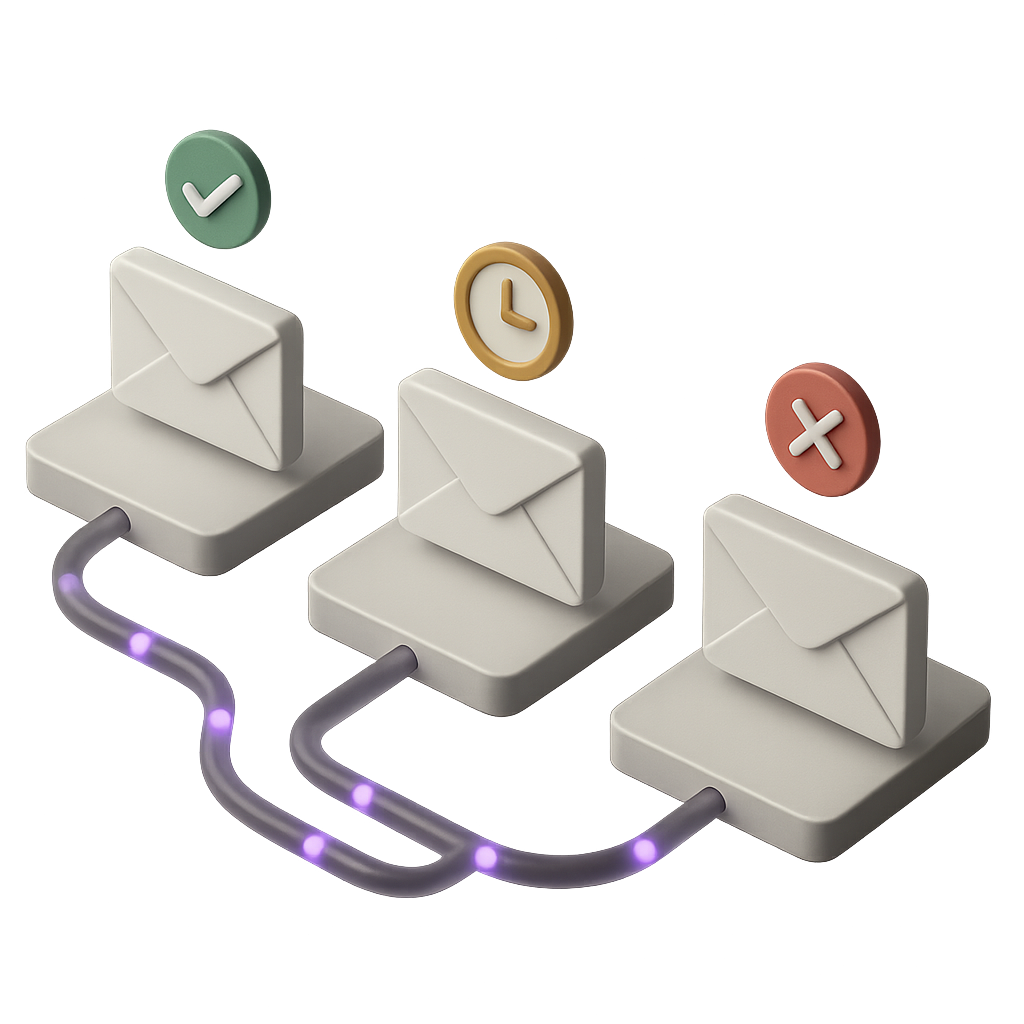
When you send an email, what actually happens behind the scenes? Many people use “sent” and “delivered” interchangeably, but in reality, these terms represent very different stages in the email journey. A “sent” email simply means your message has left your outbox and is on its way. In contrast, a delivered email has been accepted by the recipient’s mail server, though it may not necessarily appear in their inbox or be seen by the recipient.
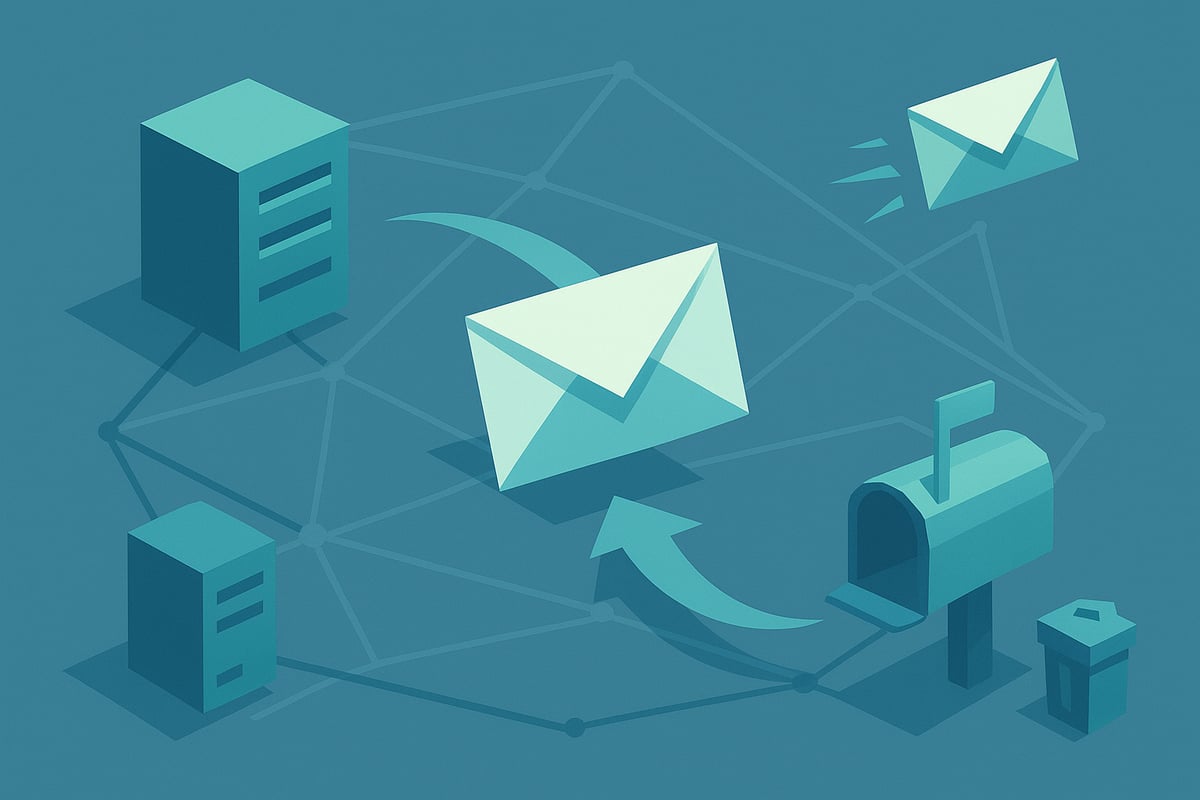
Let’s break down the technical process. After you hit “send,” your email client hands off the message to your SMTP server. The SMTP server then looks up the recipient’s domain via DNS MX records and attempts to connect. If the recipient’s server responds positively—typically with a code like SMTP 250 OK—the email is considered delivered. However, this status only means the message was accepted by the server. It might still be filtered into spam, quarantined, or even silently dropped, depending on the recipient’s settings and filters.
It’s important to realize that a delivered email does not guarantee your message reaches the intended inbox or is read. For instance, if you send a campaign to thousands of users and some addresses are invalid, you might get a bounce notification. Other times, your message could be flagged as spam, or the recipient’s mailbox might be full, resulting in non-delivery. These “silent failures” can be difficult to detect without the right monitoring tools. As highlighted in Understanding email events and tracking, “sent” means the message left your system, while “delivered” confirms server acceptance but not user engagement.
The business impact of not monitoring your delivered email status is significant. Failed deliveries mean missed opportunities, frustrated customers, and lost revenue. According to industry reports, well-managed lists see average deliverability rates of about 85 to 90 percent. Anything lower could indicate issues with your sender reputation, list hygiene, or authentication protocols.
Monitoring delivered email status is therefore crucial. It ensures compliance, protects your sender reputation, and maximizes ROI from every campaign. By understanding the difference between “sent” and “delivered,” and by consistently tracking your results, you can identify problems early and optimize your strategy for better engagement.
How to Check if Your Email Was Delivered in 2026
Knowing whether your delivered email actually made it to its destination is critical in 2026. However, verifying this is not always straightforward. The process varies depending on your platform, the tools you use, and the level of insight you require.
Limitations of Consumer Email Platforms
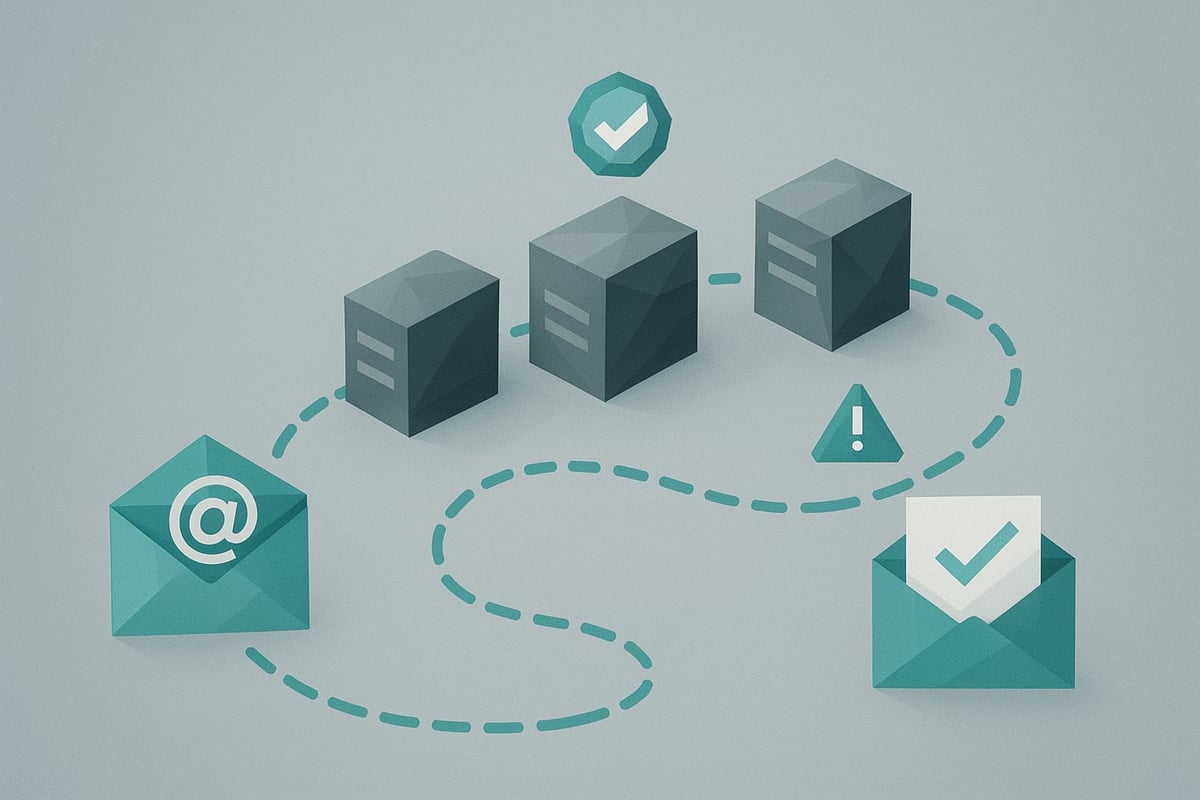
Most consumer email services, such as Gmail or Outlook, do not provide a direct way to confirm a delivered email. While your message may appear in the sent folder, this only means it left your system. You will not receive a notification unless the email fails to reach the recipient's server.
Without advanced options, you are often left guessing about final delivery. The lack of built-in reporting makes it hard to distinguish between a successfully delivered email and one lost in transit.
Understanding Bounce Notifications
One of the most reliable clues about email delivery is the bounce notification. If your delivered email cannot be accepted by the recipient's server, you will usually receive a bounce message. These notifications include codes such as 550 (mailbox unavailable) or 552 (mailbox full), signaling why delivery failed.
Not all failures generate a bounce. Some emails may be silently dropped by spam filters. For a full breakdown of bounce codes and troubleshooting steps, check out Troubleshooting undelivered emails.
Manual Verification: Folders, Headers, and Logs
If you want to dig deeper, start by checking your sent folder to confirm the email was dispatched. Next, inspect message headers. Look for fields like Delivered-To, Received, and any SMTP response codes such as 250 OK. These details show the email's journey and server handoffs.
For users with server access, reviewing SMTP logs can provide a clear status for each delivered email. Logs reveal acceptance, rejection, or deferral events, helping you pinpoint delivery issues.
Read Receipts and Tracking Tools
Some platforms, such as Google Workspace, offer read receipts. However, these are not foolproof. Many recipients disable read receipts or use clients that ignore them, so you cannot rely on this method alone for confirming a delivered email.
Third-party tools use tracking pixels or monitored links to indicate when an email is opened or a link is clicked. Privacy settings and image blocking can limit their accuracy. Treat these signals as helpful but not definitive evidence of a delivered email.
Advanced Methods: Logs, APIs, and Dashboards
For businesses and high-volume senders, enterprise solutions offer deeper visibility. SMTP logs, delivery APIs, and MTA dashboards provide granular data about each delivered email, including server responses and delivery timestamps.
Gmail users can use "Show original" to view full headers, checking for signs of acceptance by the recipient's server. No system guarantees a universal delivered email receipt. For best results, combine multiple methods—bounce checks, header analysis, tracking, and logs—to verify delivery with confidence.
Factors Affecting Email Deliverability in 2026
Understanding what determines whether a delivered email actually reaches the intended inbox is critical for any business in 2026. With billions of emails sent every day, even small improvements in deliverability can have a significant impact on engagement and ROI. Let’s explore the technical and strategic factors that shape your delivered email success.
1. Authentication Protocols
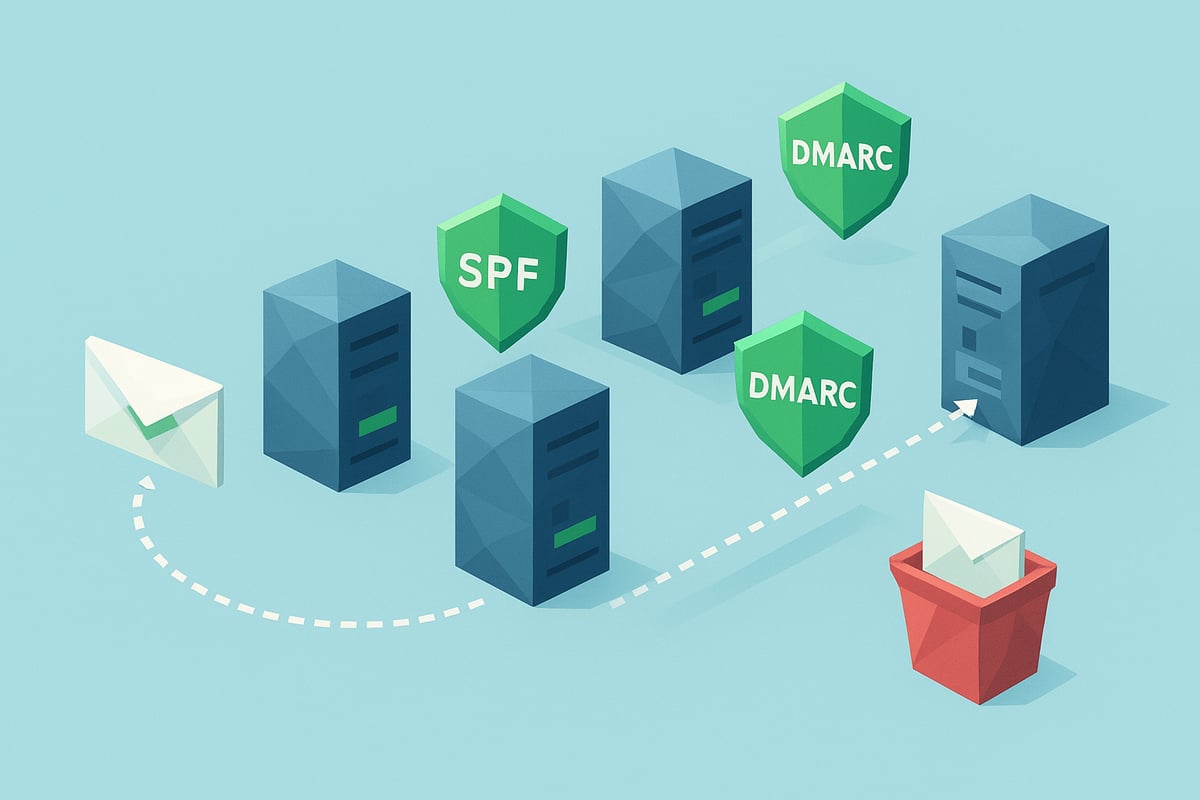
Authentication is a cornerstone of delivered email in 2026. Technologies such as SPF, DKIM, and DMARC help verify that your message is legitimate and has not been altered in transit. These protocols are required by most major inbox providers to pass basic spam filters. Without proper setup, even well-crafted emails may be rejected or relegated to spam folders. For a deeper dive into evolving requirements, see Email deliverability best practices 2026.
2. Sending Reputation
Your sending reputation is determined by the history of your IP address and sending domain. High rates of spam complaints, frequent blacklistings, or erratic sending patterns can drag down your delivered email rates. Consistent, permission-based sending and addressing user complaints promptly are essential to maintaining a positive reputation.
3. List Hygiene
Clean, up-to-date lists are vital for delivered email success. Using outdated or purchased lists increases bounce rates, which signals to recipient servers that you may be sending unsolicited or irrelevant content. This damages your reputation and can drop deliverability below industry averages. Regularly remove invalid or inactive addresses to protect your sender status.
4. Content Factors and Engagement Metrics
The content of your delivered email plays a direct role in inbox placement. Avoid common spam triggers, overuse of images, or poor formatting. Balance text and images for readability. Increasingly, recipient engagement—opens, clicks, and replies—signals to ISPs that your emails are wanted. Low engagement can lead to filtering or silent failures.
5. Server Policies and Regulatory Compliance
Recipient servers apply custom rules, firewalls, and anti-virus filters that affect delivered email acceptance. Some organizations have strict whitelisting or block unrecognized senders. Additionally, privacy regulations like GDPR and CAN-SPAM mandate transparent data practices and unsubscribe options. Noncompliance can result in legal trouble and widespread blocking.
Quick Reference Table: Key Deliverability Factors
| Factor | Impact on Delivered Email | Action Needed |
|---|---|---|
| Authentication | Passes spam filters | Set up SPF, DKIM, DMARC |
| Sending Reputation | Influences inbox placement | Monitor complaints, avoid blacklists |
| List Hygiene | Reduces bounces | Clean and verify lists regularly |
| Content & Engagement | Affects filtering | Use best practices, boost engagement |
| Server & Compliance | Determines acceptance | Follow laws, adapt to server rules |
6. Real-World Example and Insights
Consider a marketing campaign using a purchased, outdated list. Bounce rates spike, and the sender’s reputation drops. The delivered email rate falls below 70%, and future campaigns are filtered or blocked entirely. This scenario highlights the need for ongoing monitoring and adaptation as ISP algorithms and recipient expectations evolve.
In summary, the path to a successful delivered email in 2026 requires an integrated approach. Focus on technical setup, sender reputation, clean lists, compelling content, and compliance. Regularly test and monitor your campaigns to stay ahead in the ever-changing email landscape.
Actionable Best Practices for Delivered Email Success in 2026
Achieving a high delivered email rate in 2026 requires a proactive, multi-layered approach. As global email traffic continues to grow, standing out in crowded inboxes and avoiding delivery pitfalls is more challenging than ever. Here are proven strategies to ensure your delivered email success and maximize ROI in the evolving digital landscape.
List Hygiene and Authentication
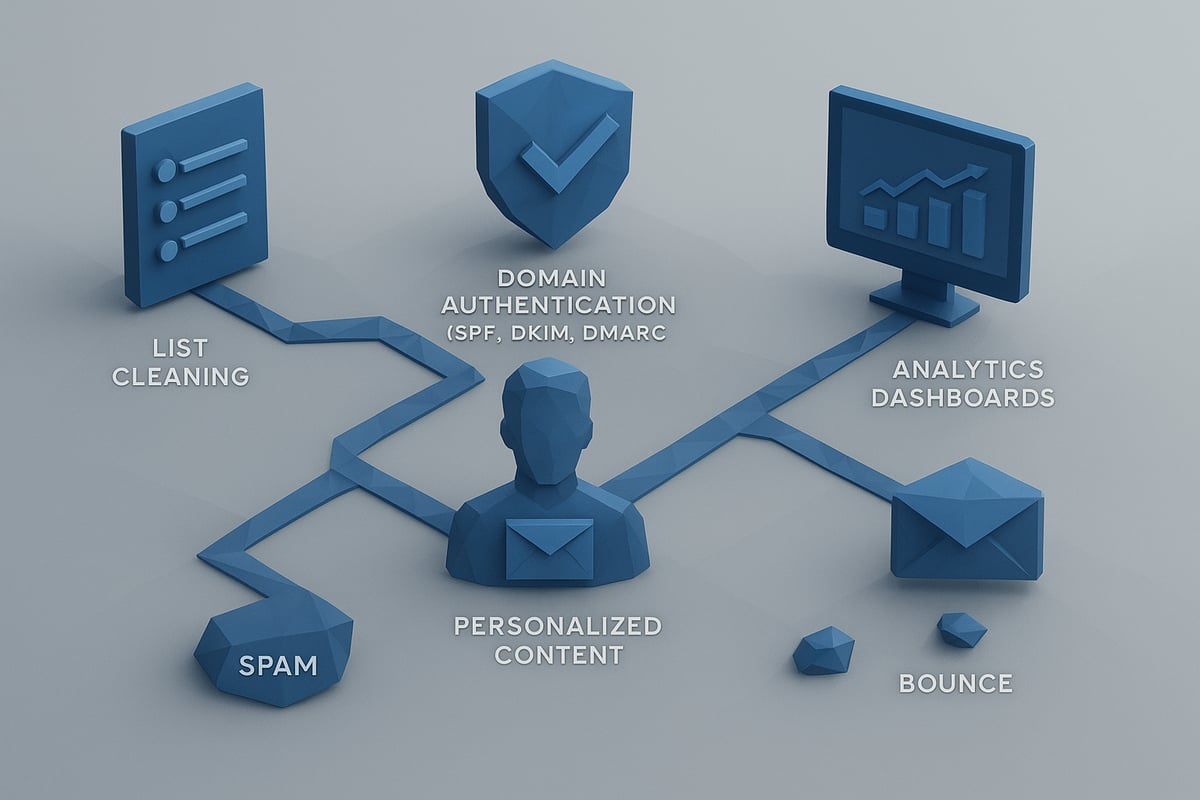
Maintaining a clean email list is the foundation of delivered email success. Regularly remove invalid, inactive, or unengaged addresses. Use double opt-in processes to ensure only interested recipients are added. This reduces bounce rates and helps preserve your sender reputation.
Authentication protocols are essential. Implement SPF, DKIM, and DMARC records for your sending domains. These technical safeguards prove your legitimacy to recipient servers, lowering the risk of being flagged as spam. For a detailed technical breakdown, see How email delivery works.
| Authentication Method | Purpose | Benefit |
|---|---|---|
| SPF | Verifies sender IP | Reduces spoofing, improves delivered email rate |
| DKIM | Signs email content | Confirms integrity, builds trust |
| DMARC | Aligns SPF/DKIM policies | Protects brand, enforces authentication |
By focusing on hygiene and authentication, you set the stage for optimal delivered email performance.
Personalization and Engagement
Personalized content is no longer optional for delivered email effectiveness. Tailor your subject lines, greetings, and body content to each recipient. Use segmentation to group users by interests or behaviors, and craft messages that resonate with each segment.
Avoid spammy language, excessive images, or misleading links. Instead, focus on value-driven messaging that encourages interaction. Engagement signals such as opens, clicks, and replies are now key metrics ISPs use to determine inbox placement. According to industry benchmarks, personalized emails are associated with 6x higher transaction rates, showing the tangible benefits of this approach.
Testing, Monitoring, and Segmentation
Consistent testing is vital for delivered email optimization. Preview your emails across different clients and devices to ensure proper rendering. Tools for inbox placement testing can help identify if your messages are landing in spam folders.
Monitor sender reputation with feedback loops and address complaints promptly. Leverage analytics dashboards to track bounce rates, delivery issues, and engagement trends. Segment your audience for targeted campaigns, which increases relevance and reduces the risk of being flagged as spam. Regular analysis helps you spot and resolve deliverability obstacles before they escalate.
Automation, Legal Compliance, and Real-World Results
Leverage automation tools to trigger delivered email campaigns based on user actions, such as onboarding, payment reminders, or feature adoption. This ensures timely, relevant communication and minimizes manual errors.
Adhere to global regulations like GDPR and CAN-SPAM for compliance. Always provide clear unsubscribe options and respect privacy preferences. For example, SaaS companies that implemented double opt-in saw spam complaints drop by 50 percent, demonstrating the power of consent and transparency.
Best practices for delivered email are evolving. Staying informed about new trends and requirements, such as those highlighted in Email marketing trends 2026, will help you maintain strong results year after year.
A strategic, consistent approach to delivered email not only maximizes visibility but also builds trust and drives measurable business growth.
Tools and Resources to Optimize Email Delivery
Selecting the right tools is crucial for optimizing delivered email performance at scale. The email landscape in 2026 is more competitive than ever, with billions of messages sent daily. Deliverability depends on both reliable infrastructure and insightful diagnostics. Leading email delivery platforms such as Postmark, SendGrid, Mailgun, and Amazon SES are recognized for their reliability, scalability, and robust APIs. These services offer features like dedicated IPs, detailed delivery logs, and advanced authentication support.
<div data-youtube-video> <iframe src="https://www.youtube.com/embed/zj8Vqk23XQk" frameborder="0" allowfullscreen data-type="youtube" data-youtube-video-id="zj8Vqk23XQk" ></iframe> </div> <table> <thead> <tr> <th>Platform</th> <th>Strengths</th> </tr> </thead> <tbody> <tr> <td>Postmark</td> <td>Transactional focus, fast delivery, detailed logs</td> </tr> <tr> <td>SendGrid</td> <td>Scalable, analytics, deliverability tools</td> </tr> <tr> <td>Mailgun</td> <td>Flexible API, good for developers, webhook support</td> </tr> <tr> <td>Amazon SES</td> <td>Cost-effective, integrates with AWS, high volume</td> </tr> </tbody> </table>Beyond core delivery, tracking tools play a vital role in monitoring delivered email status. Popular solutions like Mailtrack, Yesware, HubSpot, and Mixmax offer open and click tracking, read receipts, and engagement analytics. While these features provide valuable insights, they also introduce privacy considerations. Some recipients block images or tracking pixels, which can limit the accuracy of open rates. Always inform users of tracking where required and balance analytics with respect for privacy.
Modern CRMs now include built-in dashboards for deliverability. They aggregate metrics such as bounce rates, spam complaints, and engagement trends, helping you quickly spot issues. Open-source utilities, such as swaks or smtp-cli, allow for direct SMTP testing and header analysis. For deeper diagnostics, industry tools like Google Postmaster Tools and MTA dashboards provide granular data on reputation, authentication, and inbox placement. For example, Google Postmaster Tools offers actionable insights that help diagnose deliverability issues and refine your approach.
Regional and industry differences also affect delivered email rates. According to recent email deliverability statistics by region, businesses with authenticated domains and dedicated IPs can see deliverability improvements of up to 15 percent. Regularly reviewing these resources and adapting your strategy will keep your campaigns competitive. The right combination of delivery platforms, tracking tools, and diagnostics empowers any organization to monitor, diagnose, and optimize delivered email performance.
<br><br>As we’ve explored, mastering delivered email status is crucial for ensuring your messages actually reach users and drive engagement in 2026. With tools like Minimo, you can connect directly to your database, automate timely communications, and get actionable insights without the usual technical headaches. Imagine setting up lifecycle emails and WhatsApp flows that just work—no more manual syncing or wondering if your messages landed. If you’re ready to put these best practices into action and see real results for your SaaS or AI business, why not Get started for free?