← Changelog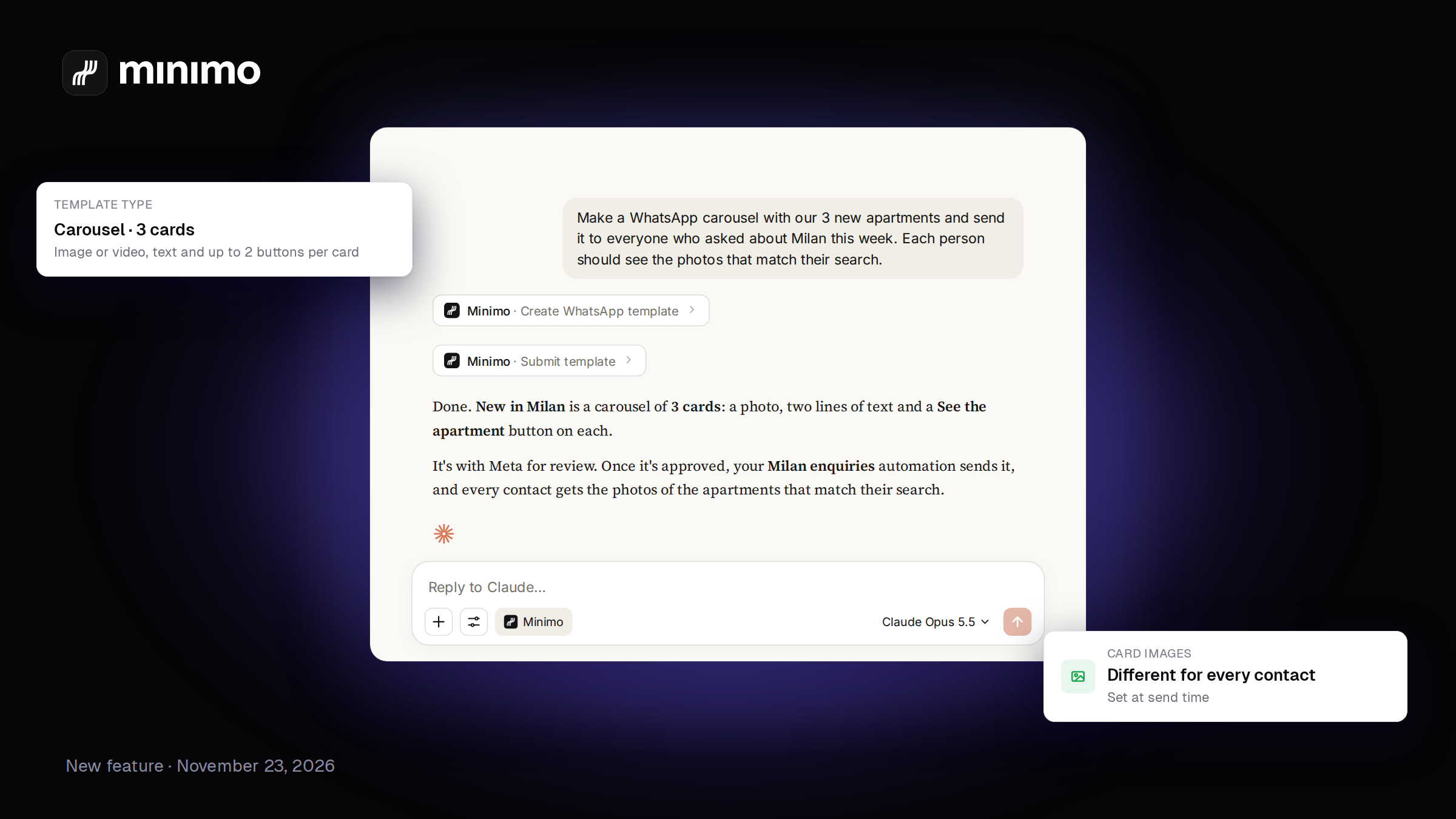
WhatsApp carousels: up to 10 swipeable cards in one message
Build WhatsApp carousel templates with 2 to 10 cards, each with its own image or video, text and buttons, and send them from automations, campaigns, the API or your AI tool. The images can change for every contact.
How it works ↗Some things don't fit in one picture: three apartments, four products, a plan comparison. Now one WhatsApp message can show them all, as cards your customer swipes.
- Build it in the template builder. 2 to 10 cards, each with an image or a video, a short text and up to 2 buttons (a reply, a link or a phone number). Submit it to Meta from the same screen.
- A different image for every contact. The image on the template is only the sample Meta reviews. When you send, every card can take its own image or video, like the products that person looked at. Minimo checks each card's media on every send and, if one is wrong, tells you which card.
- Send it from where you already send. Automations, campaigns, the public API, Mo, or Claude and ChatGPT through the Minimo MCP server. The Minimo SDK knows carousels too.
- See it in the inbox. A sent carousel shows up in the conversation as a strip of cards, so your team sees exactly what the customer got.
Good to know: carousels are marketing templates, a Meta rule. They work on WhatsApp numbers connected to Minimo directly with Meta. Numbers that go through 360dialog or Twilio get a clear message instead.
