← Changelog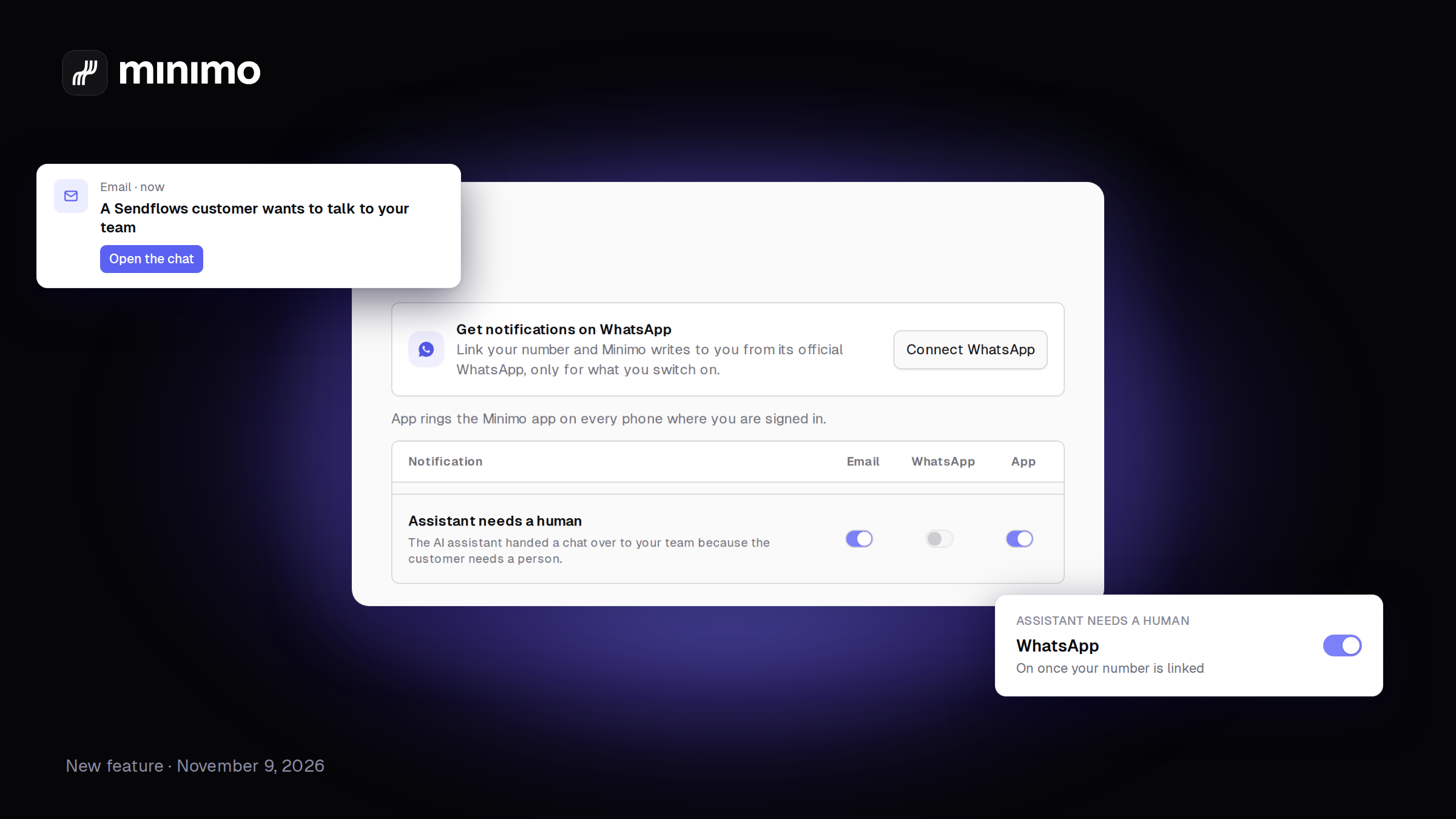
Know when your AI assistant needs you, on WhatsApp and by email
When your AI assistant hands a chat to a person, you get an email, and a WhatsApp message once your number is linked. The link opens that exact chat.
How it works ↗Your AI assistant answers customers on its own. Sometimes a customer needs a person. Now you hear about it right away, wherever you are.
When the assistant hands a chat over to your team, Minimo sends you an email and a WhatsApp message. Both have a link that opens that exact chat, in the right workspace, even if you use more than one.
- Who gets it. The teammate the chat is assigned to. If nobody has it, the whole team.
- You choose the channel. In Settings › Notifications there is now a WhatsApp column next to Email. Switch each one on or off, notification by notification.
- WhatsApp needs your number. Link it once with Connect WhatsApp and the messages come from a Minimo WhatsApp number. Until you link it, you still get the email.
- Or just ask. Tell Mo, in the app or on WhatsApp, or your AI tool through the Minimo MCP server: "turn off the handoff emails, keep WhatsApp".
