← Changelog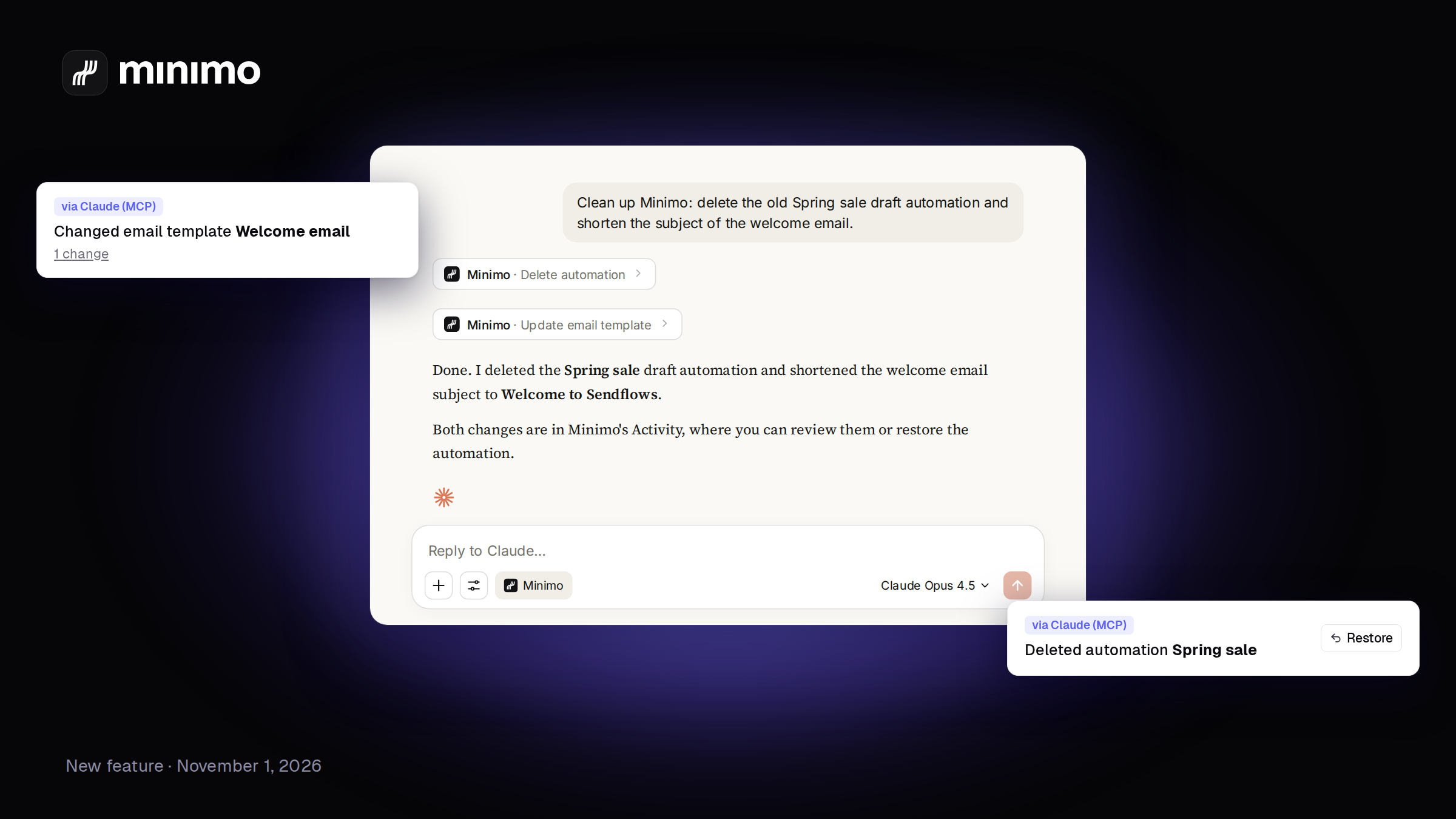
See, and undo, what your AI changed in Minimo
Every change Claude, ChatGPT or Mo makes in your workspace now shows up in your activity, with who did it, what changed, and a Restore button for anything deleted.
How it works ↗Letting an AI work in your workspace is great until you wonder what it actually did. Now you can see it.
When Claude, ChatGPT or Mo creates, changes, deletes, pauses or sends something in Minimo, it shows up in your logs with a badge that says who did it: via Claude (MCP), via ChatGPT (MCP), via Mo, or the name of the API key used.
- What changed. Open a change and you see before and after, field by field: subject, preview text, sender, links, automation steps and delays.
- Undo a deletion. Anything the AI deleted has a Restore button. A restored automation comes back paused, so nothing sends until you say so.
- Jump straight to it. Each line links to the automation, email, campaign or segment it touched.
- Only the AI's work. A new AI changes filter shows just those.
Creations, deletions, restores, pauses and sends are in Activity. The full list, every edit included, is in Developer › Logs.
