← Changelog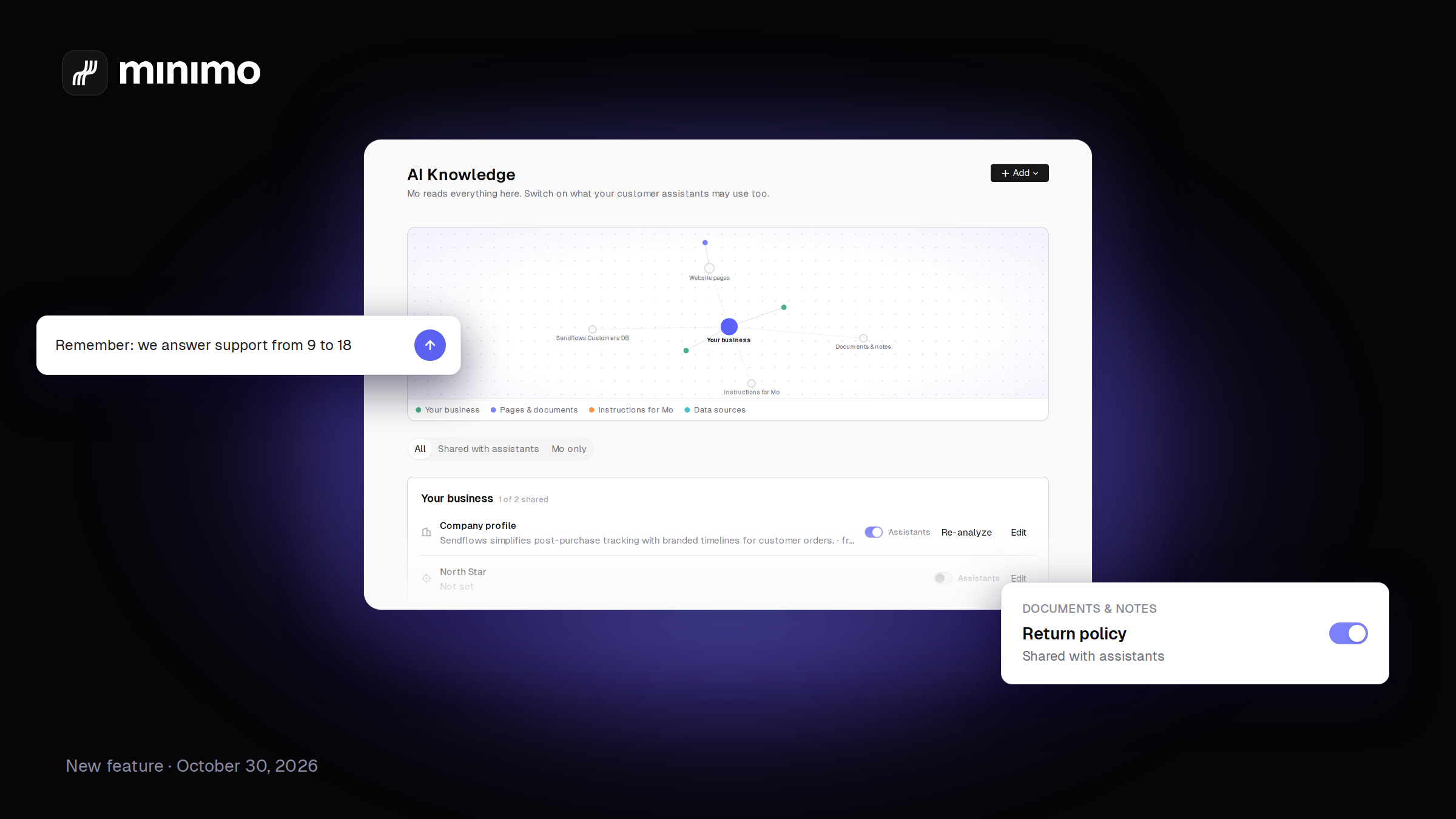
AI Knowledge: one library for Mo and your assistants
Everything Minimo's AI knows about your business now lives in one library. Mo reads all of it, and you choose item by item what your customer assistants can use.
How it works ↗Your AI used to learn about your business in different places. Now it's one library, in Settings › AI Knowledge.
It's grouped the way you think about your business: Your business (company profile and North Star), Website pages, Documents & notes, Instructions for Mo and Data sources.
- Mo reads everything. Your profile, your site, your documents and what you asked it to remember, so it works from the full picture.
- You choose what your assistants use. Each item has a switch that shares it with the AI assistants answering your customers. A filter shows what's shared and what stays with Mo. Your database is never shared with them.
- Your website, read for you. Add your website and Minimo scans its pages into the library. If your company profile is empty, it fills it in from the site.
- Memories you can see. When you tell Mo "remember this", it lands in the library, where you can edit it or make Mo forget it.
On top, the Intelligence Map shows it all at a glance: your company at the centre, then each section and the tables of your data.
