← Changelog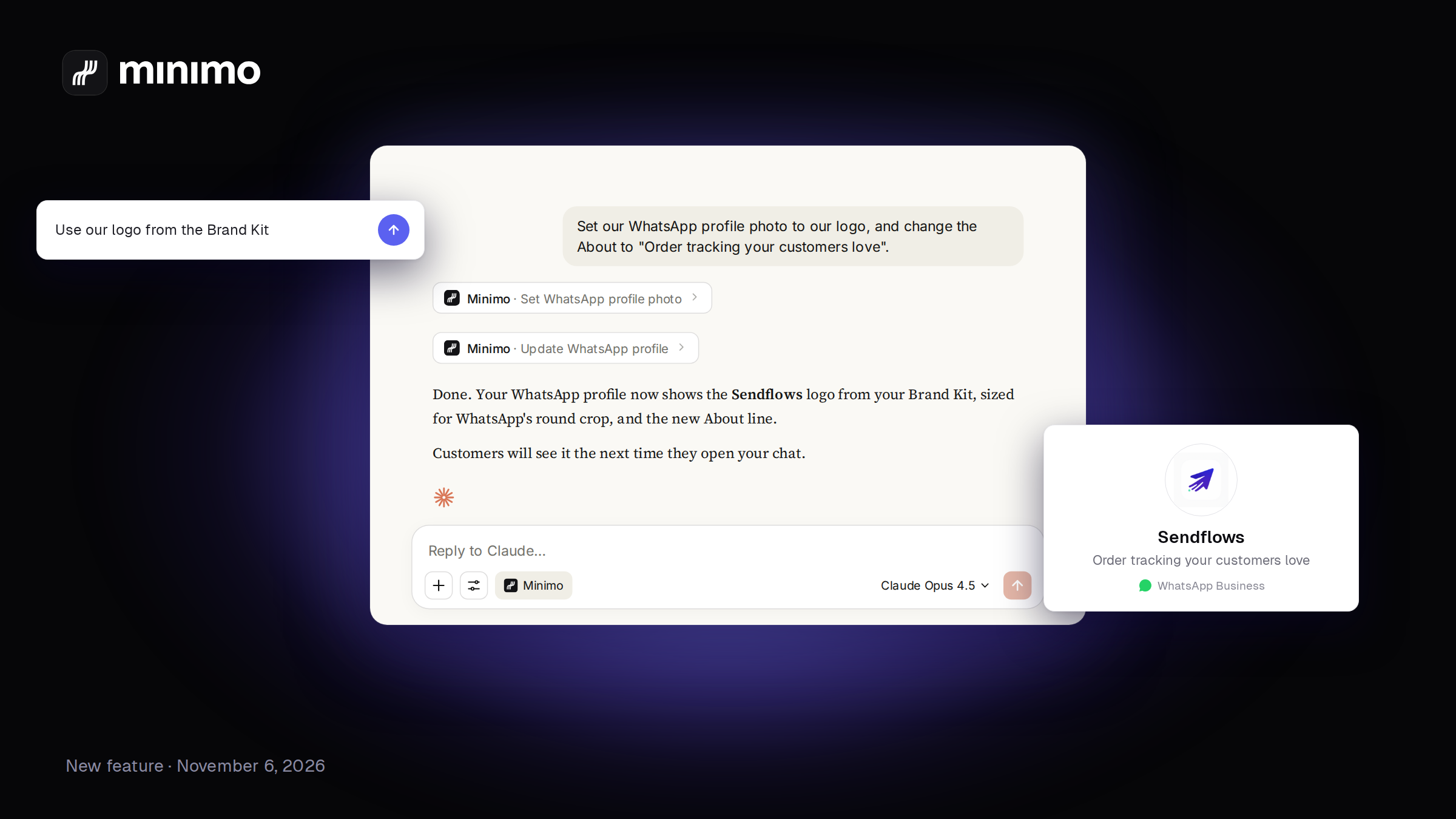
Update your WhatsApp profile by just asking
Ask Mo or your AI tool to change your WhatsApp Business profile: photo, about, description, address, email and websites. It can use your logo straight from your Brand Kit.
How it works ↗Your WhatsApp profile is the first thing a customer sees when they open your chat. Changing it used to mean digging through WhatsApp Manager.
Now you just ask. Tell Mo, in the app, on WhatsApp or on Telegram, or Claude and ChatGPT through the Minimo MCP server, what you want, and it updates your WhatsApp Business profile:
- Photo, about, description, address, email and websites.
- Your logo, done right. Say "use our logo" and Mo takes it from your Brand Kit, sizes it for WhatsApp's round crop and shows you a preview before it goes live.
- Or any picture. Send a photo in the chat and ask Mo to set it as your profile picture.
This works on WhatsApp numbers connected directly through Minimo. If your number also runs on the WhatsApp Business app on your phone, WhatsApp only lets you change its profile from that app, and Mo will tell you so.
