← Changelog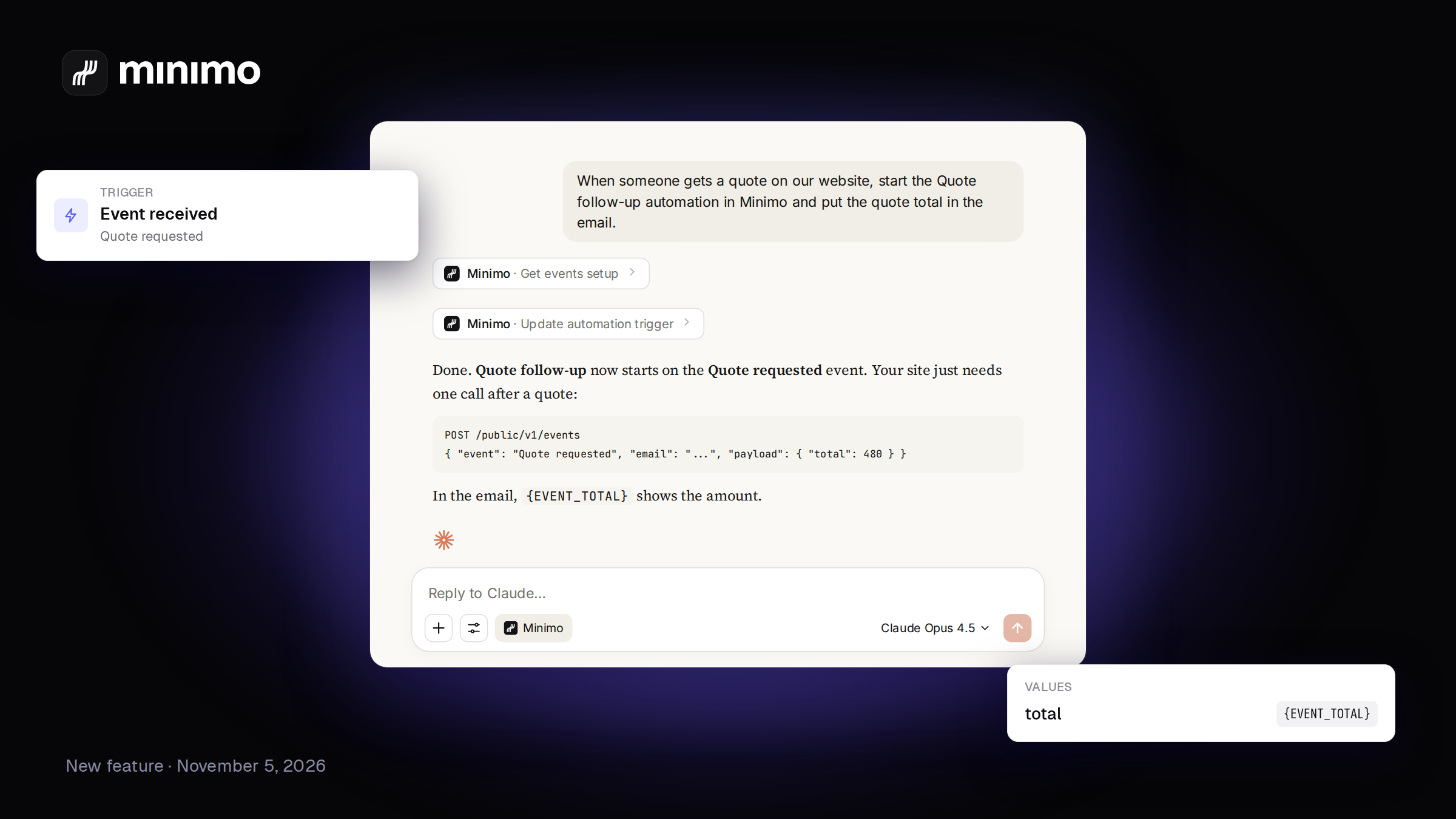
Start an automation from anything that happens in your product
A new automation trigger, Event received: your website, app, Zapier or Make sends an event to Minimo and the matching automations start, with the event's data ready to use in your messages.
How it works ↗Some of the best moments to send a message happen outside your database: someone gets a quote on your site, books a demo, finishes a step in your app.
Now those moments can start an automation. Pick the new Event received trigger, give the event a name, and send it to Minimo from anywhere: your website, your app, Zapier or Make. Every automation listening for that event starts for that person.
- The event's data comes with it. Each value in the event gets a tag like
{EVENT_TOTAL}you can drop into the email, SMS or WhatsApp message. Or save a value to a contact field with one click. - New people are fine. If the contact doesn't exist yet, Minimo creates it, unless you turn that off.
- Set it up with your AI. The trigger shows the exact instructions and the call to paste into Claude Code or Cursor, and creates a key that can only send events.
- See what arrived. The last event received shows up right in the trigger, so you can check it works before going live.
