In 2026, user emails have become the backbone of digital engagement, with over 90% of companies relying on them for communication and retention. Modern audiences expect user emails to deliver not only security and privacy, but also tailored, seamless experiences across every device. Meeting these expectations is now critical for brands to build trust and boost loyalty.
This guide offers a comprehensive roadmap for mastering user emails, highlighting the latest standards, tools, and actionable best practices. Explore key strategies for setup, authentication, template design, automation, compliance, analytics, and emerging trends. Ready to elevate your user emails? Let’s get started.
Understanding User Emails in 2026: Trends and Challenges
The landscape for user emails is changing rapidly as businesses strive to meet evolving communication needs. Today, user emails are more than just notifications; they are a core driver of engagement, trust, and business growth.
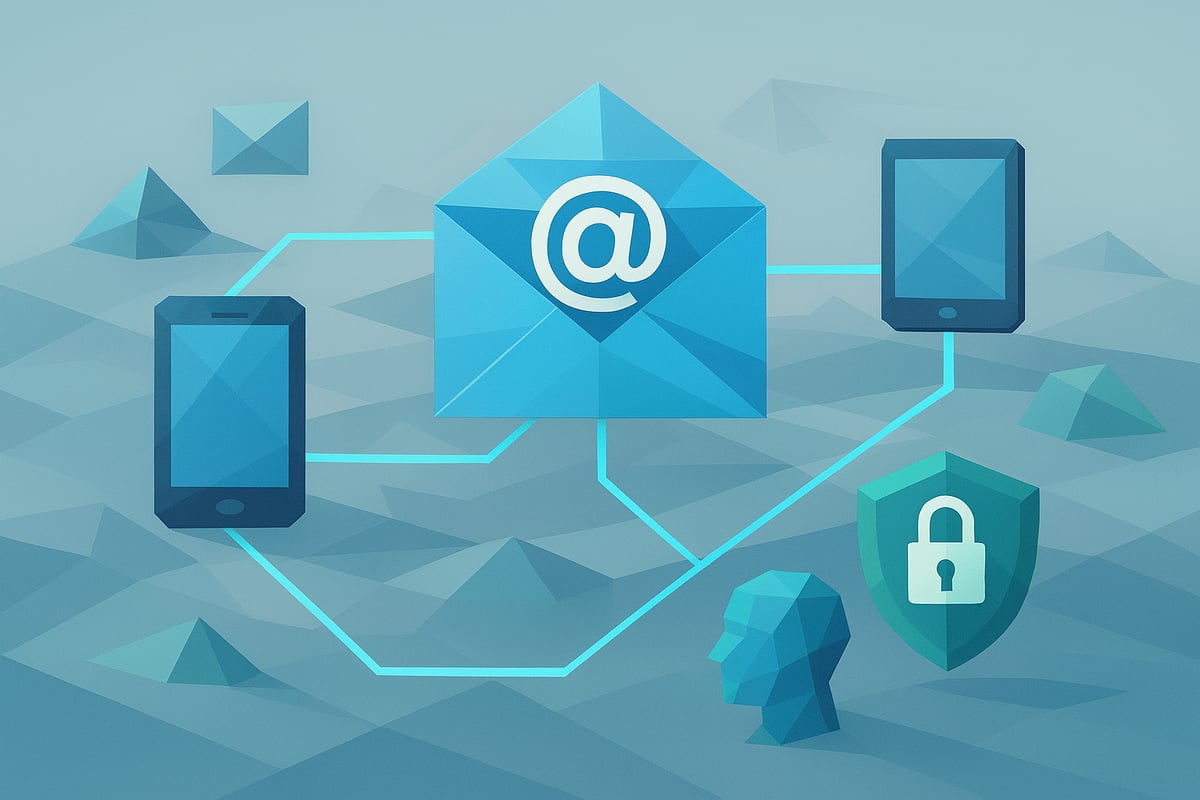
The Evolving Role of User Emails
User emails have transformed from simple alerts into sophisticated touchpoints across the entire customer journey. In 2026, they are essential for onboarding, retention, and re-engagement. The shift towards mobile-first and multi-channel strategies has made user emails even more relevant, ensuring messages reach users wherever they are.
Personalization is now expected. Recent studies show that open rates for personalized and transactional user emails far surpass generic messages. For a deeper dive into the various types and functions of user emails, see the Types of user emails guide.
User emails must now adapt to increased user demands for timely, relevant, and contextual communication.
Key Challenges in 2026
Organizations face several hurdles as user emails become more central to digital experiences:
- Growing user expectations for robust security, including protection against phishing and spoofing
- Increased volume of automated user emails, which can lead to deliverability issues
- Stricter privacy regulations worldwide (GDPR, CCPA, and new standards)
- Ensuring cross-device consistency and accessibility for all users
Addressing these challenges requires a proactive approach, blending technical best practices with a strong focus on compliance and user trust.
Future Trends Shaping User Email Best Practices
Looking ahead, several trends will define user email strategies:
| Trend | Impact on User Emails |
|---|---|
| AI-driven personalization | Higher engagement, better segmentation |
| Send-time optimization | Improved open and response rates |
| Multi-channel integration | Seamless messaging across email, SMS, WhatsApp |
| API/database integration | Real-time, event-triggered communications |
Companies are now leveraging real-time triggers and AI to send the right message at the right moment. Integration with external messaging channels and direct database connections enables unified, responsive user email workflows.
The Business Case for Email Excellence
Investing in user emails delivers measurable results. Transactional user emails achieve open rates up to 8x higher than traditional marketing emails, driving deeper customer engagement.
| Email Type | Average Open Rate |
|---|---|
| Transactional | 80% |
| Marketing | 10% |
A strong user email experience builds loyalty, reduces churn, and supports regulatory compliance. In 2026, companies that master user emails will see higher conversions and improved customer satisfaction.
Setting Up and Managing User Email Infrastructure
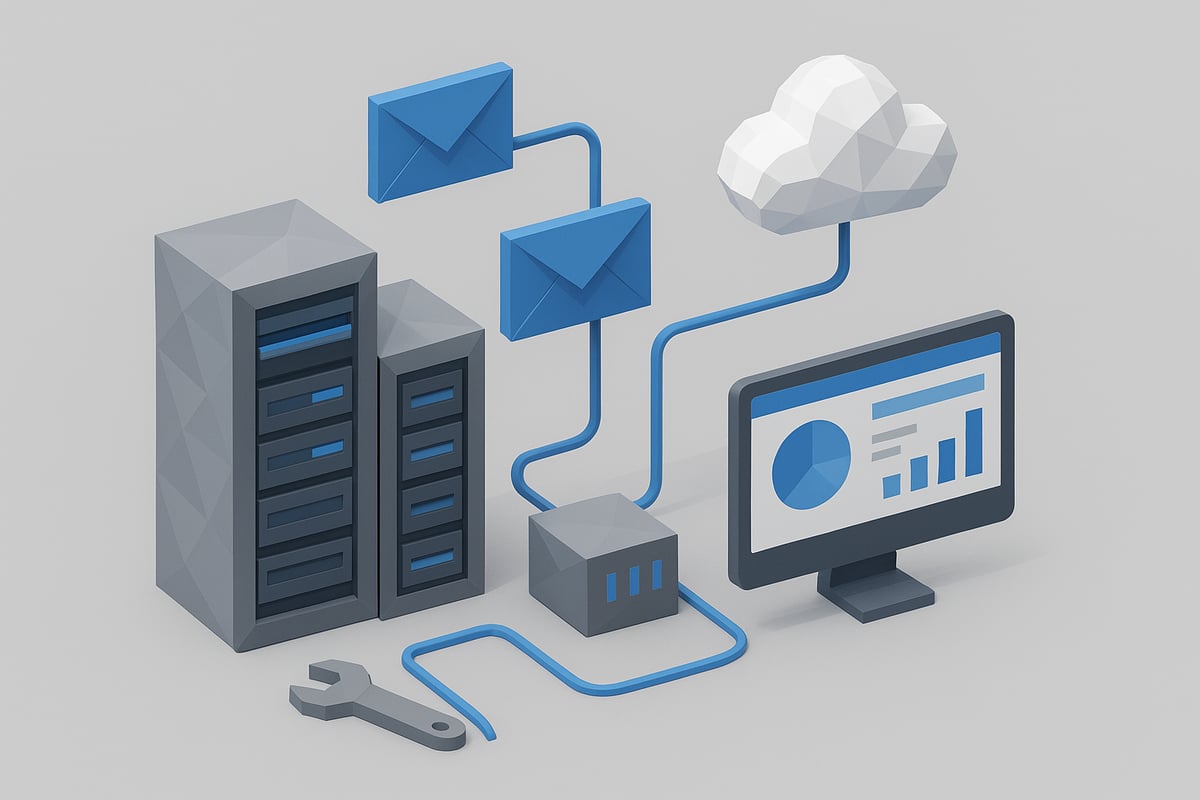
A robust infrastructure is the foundation for effective user emails in 2026. Selecting the right delivery method, configuring settings securely, and ensuring reliable authentication are vital for high deliverability and security. Let’s break down the essential steps to set up and manage user emails that meet today’s standards.
Choosing the Right Email Delivery Method
Selecting the optimal method to send user emails is a strategic decision. Options include SMTP servers, transactional email APIs, and integrated cloud platforms. Each method impacts scalability, reliability, and control.
| Method | Pros | Cons |
|---|---|---|
| SMTP Server | Simple, widely supported | Manual scaling, deliverability risks |
| Transactional Email API | Fast, advanced analytics | Vendor lock-in, API complexity |
| Integrated Platform | Seamless with apps, easy scaling | Less control, higher cost |
Saleor’s move from legacy plugins to SMTP apps is a prime example of modernizing user emails for better performance and flexibility. Consider your team’s needs before committing to a delivery approach.
Configuration Essentials
Proper configuration of user emails ensures messages reach inboxes securely. Key variables include SMTP_HOST, SMTP_PORT, TLS, and authentication details. Use environment variables to store credentials and allow platform overrides for flexibility.
SMTP_HOST=smtp.provider.com
SMTP_PORT=587
SMTP_USER=your_username
SMTP_PASS=your_password
TLS=true
Securely managing credentials minimizes the risk of unauthorized access. Regularly review configurations to prevent drift and align with evolving requirements for user emails.
Authentication and Security Protocols
Authentication is essential to protect user emails against phishing and spoofing. Implement SPF, DKIM, and DMARC records to verify your domain’s legitimacy. Many modern APIs support OAuth and API tokens, adding another layer of security.
Enforce strong authentication for all email endpoints. Prevent unauthorized use of your email infrastructure by rotating credentials and monitoring access. These measures build trust in user emails and protect both your business and your users.
Monitoring and Troubleshooting
Continuous monitoring is crucial for the health of user emails. Set up logging and alerts for failed deliveries, bounces, and blacklists. Common issues include throttling and quota limits, which can be detected early with the right tools.
Leverage REST API endpoints for diagnostics and email management. If you encounter persistent sending problems, consult resources on troubleshooting email delivery issues to resolve them efficiently. Proactive monitoring ensures user emails are delivered reliably and on time.
Email Templates and Personalization Strategies
In 2026, the landscape for user emails demands more than just functional communication. Businesses need to deliver visually engaging, accessible, and highly personalized messages that resonate with users across devices and regions. The right template and personalization strategy can transform user emails from simple notifications into powerful drivers of engagement and loyalty.
Designing Effective Email Templates
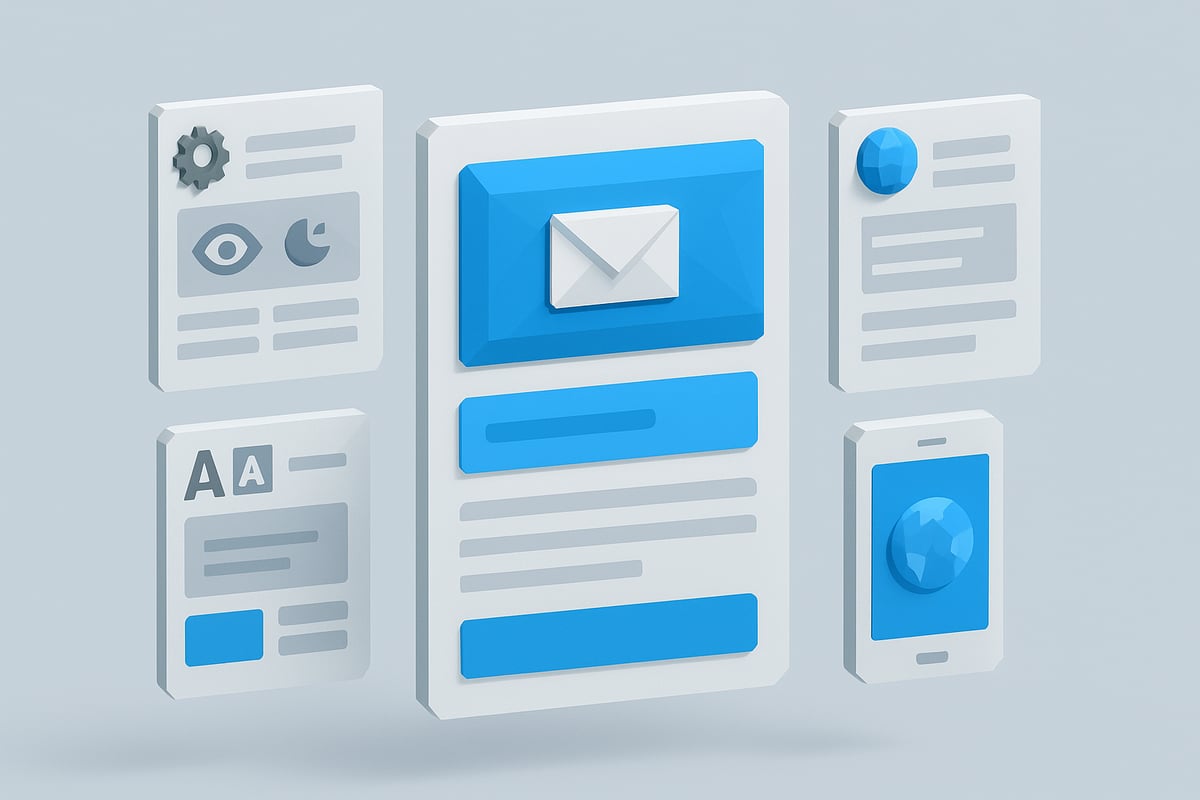
Effective email templates for user emails in 2026 must prioritize both design and usability. Responsive layouts ensure messages look sharp on mobile, tablet, and desktop devices. Accessibility features, such as dark mode compatibility, high-contrast text, and scalable fonts, are essential for inclusivity.
Consider using template languages like Handlebars, which allow dynamic data insertion and flexible design. Saleor’s default templates offer a strong foundation for transactional user emails, balancing structure with customization.
Key design principles include:
- Mobile-first layouts with touch-friendly buttons
- Support for dark mode and adjustable font sizes
- Clear visual hierarchy for quick scanning
Staying ahead of trends is crucial. For a deeper look at emerging design and accessibility practices, see Email Marketing Trends 2026.
Personalization at Scale
Personalization transforms user emails from generic to compelling, significantly boosting engagement. By leveraging user data such as name, location, and purchase history, businesses can create tailored content that speaks directly to each recipient.
Dynamic sections and conditional logic within templates allow for individualized experiences at scale. For example, inserting personalized product recommendations into order confirmations can increase both relevance and conversion rates.
A sample dynamic block in a template might look like:
{{#if product_recommendations}}
  <h2>Recommended for you, {{user_name}}</h2>
  <ul>
    {{#each product_recommendations}}
      <li>{{this.name}} - {{this.price}}</li>
    {{/each}}
  </ul>
{{/if}}
With the right tools, scaling personalization in user emails becomes both efficient and impactful.
Branding and Consistency
Brand consistency across all user emails builds trust and recognition. Every message, from onboarding to transactional notifications, should clearly reflect your brand’s visual and tonal guidelines.
Centralized template management and remote editing capabilities make it easier to keep templates up-to-date and aligned with evolving branding. This approach ensures that even as your product or services change, your user emails remain cohesive.
Best practices include:
- Embedding logos and brand colors in templates
- Using consistent voice and messaging
- Regularly updating templates to match new brand assets
A unified look and feel across all user emails reinforces professionalism and strengthens user relationships.
Testing and Previewing Templates
Robust testing is vital for ensuring user emails display correctly across devices and email clients. Built-in preview tools and sandbox environments help catch layout or rendering issues before messages reach users.
A/B testing subject lines, content blocks, and CTAs provides data-driven insights into what resonates best. For instance, testing different order confirmation formats can reveal which version drives higher engagement.
Key testing steps:
- Preview emails in light and dark modes
- Test on major mobile and desktop clients
- Analyze A/B test results to refine templates
Continuous testing and iteration enhance the effectiveness of user emails and support long-term engagement.
Managing Multilingual and Multi-Regional Emails
Global audiences require user emails that respect language and cultural differences. Localization strategies, including translation and adaptation for right-to-left languages, ensure messages are understood and compliant with local regulations.
Best practices for internationalization:
- Use language detection to serve the correct template
- Provide fallback templates for unsupported languages
- Ensure region-specific compliance (like GDPR consent wording)
A well-structured approach to multilingual user emails not only broadens your reach but also demonstrates respect for users worldwide.
Automating User Emails: Workflows, Triggers, and APIs
Automation is transforming how organizations manage user emails. Modern systems no longer rely on manual processes, instead they leverage dynamic workflows that respond instantly to user activity. By automating user emails, businesses deliver messages at the right moment, improve engagement, and ensure consistency across every touchpoint.
Core Workflow Types for User Emails
User emails now support a wide range of workflow types, each tailored to specific customer journeys. Core workflows include:
- Account events: confirmation, password reset, email changes, and account deletion.
- Order lifecycle: order confirmation, fulfillment, cancellations, and refunds.
- Subscription and billing: trial ending, invoice notifications, payment reminders.
By mapping these journeys, organizations ensure timely user emails that enhance onboarding and retention. For example, a SaaS platform might send an account confirmation immediately after signup, followed by a personalized onboarding sequence. These automated user emails are essential for reducing manual errors and improving user experience.
Triggering Emails from Database Events
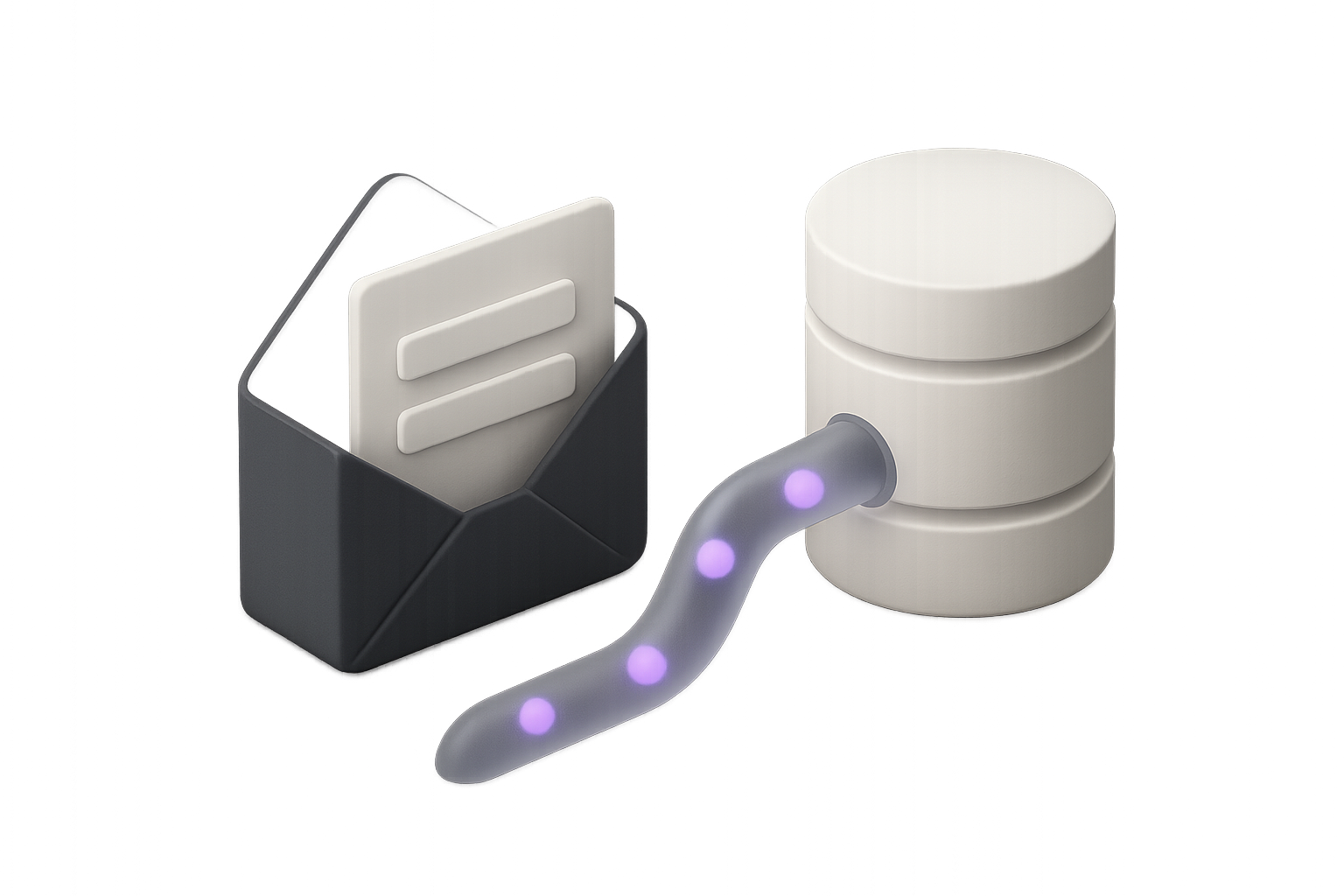
A powerful aspect of automation is triggering user emails directly from database events. When a new record is created, updated, or deleted, workflows can instantly send relevant emails to users. This approach uses webhooks, direct database triggers, or third-party integrations to ensure real-time communication.
For practical guidance on this strategy, see Database event-driven email workflows, which outlines how to automate user emails based on live data changes. Leveraging these triggers ensures that users receive critical information, such as password resets or order status updates, without delay. This setup also reduces developer overhead by minimizing manual intervention.
Integrating with REST APIs and Third-Party Services
Modern platforms rely on REST APIs for managing user emails efficiently. APIs allow you to add, delete, or update user email addresses, set visibility, and trigger custom notifications. Integration with services like GitHub demonstrates how user emails can be orchestrated programmatically for greater flexibility.
Benefits of API-driven automation include:
- Centralized management of user emails across multiple applications
- Real-time updates and synchronization
- Enhanced scalability and reliability
By embracing REST APIs, businesses can build robust systems that adapt to any user scenario with minimal friction.
Building Multi-Step and Multi-Channel Workflows
Today’s automation extends user emails beyond single messages. Multi-step workflows combine email with SMS, WhatsApp, or push notifications to create seamless experiences. Workflow builders allow for conditional logic, delays, and branching, ensuring messages are sent based on user behavior.
Consider this example workflow:
- Send an onboarding user email after signup.
- If unopened within 24 hours, trigger a WhatsApp reminder.
- Follow up with a push notification if both remain unread.
This multi-channel approach increases the likelihood that users engage with your communications, ensuring no critical update is missed.
Ensuring Timeliness and Relevance
Timeliness is crucial for effective user emails. AI-driven send-time optimization ensures messages land when users are most likely to open them. Automated retries and fallback channels, such as SMS or app notifications, help recover from failed deliveries.
For instance, if an order confirmation email bounces, the system can automatically notify the user via an alternative channel. By combining smart scheduling with real-time analytics, businesses maximize the impact of every user email.
How Minimo Simplifies Lifecycle Email Automation
Minimo offers a modern solution for automating user emails across SaaS and digital products. Its plug-and-play CRM integrates directly with Supabase or Postgres, allowing instant triggers from database events. The visual workflow builder enables teams to design multi-step, multi-channel messaging without code.
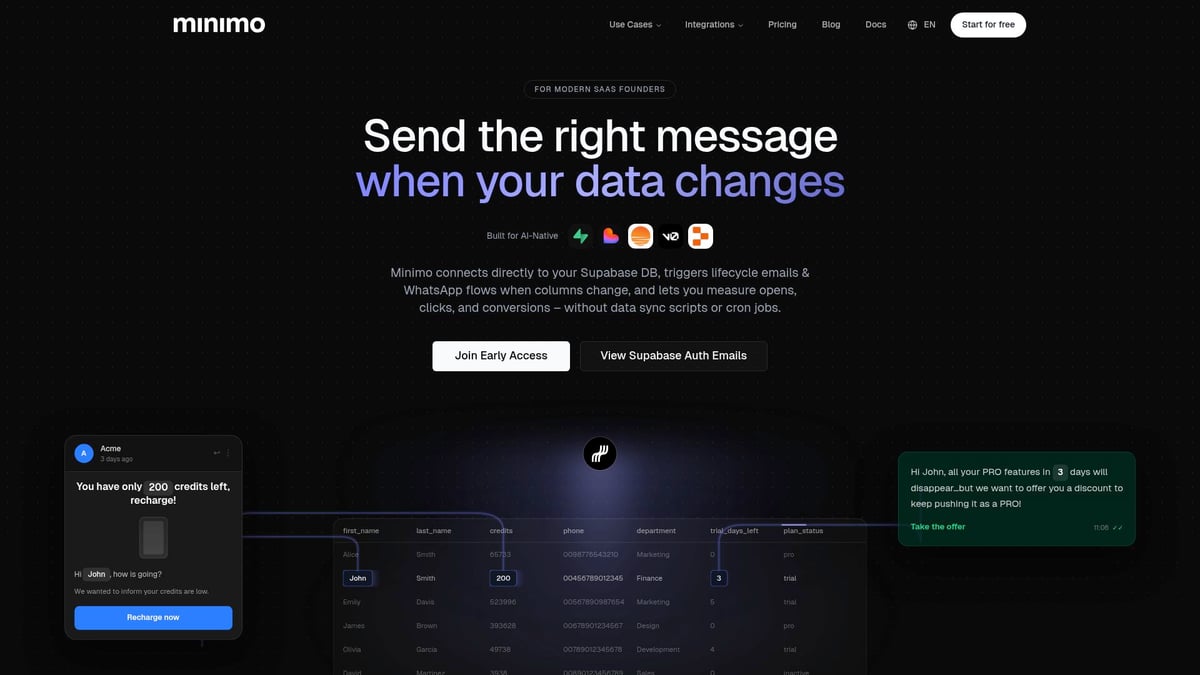
Key features include:
- Customizable, branded user email templates
- Real-time analytics and segmentation by any database field
- Unified inbox for replies across email and WhatsApp
By reducing engineering overhead and streamlining compliance, Minimo empowers businesses to deploy high-quality user emails quickly. The result is improved deliverability, better user engagement, and a future-proofed email strategy.
Compliance, Privacy, and Deliverability in 2026
As we approach 2026, compliance and privacy have become central to the success of user emails. Companies must adapt to increasing regulation, user demands for transparency, and evolving deliverability standards. Let us explore the essential strategies to keep user emails secure, compliant, and effective.
<div data-youtube-video> <iframe src="https://www.youtube.com/embed/4XvMAZVzF84" frameborder="0" allowfullscreen data-type="youtube" data-youtube-video-id="4XvMAZVzF84" ></iframe> </div>Navigating Evolving Email Regulations
Regulatory frameworks for user emails now span the globe, with GDPR, CCPA, and new privacy laws setting higher standards for consent, data minimization, and user rights. Businesses must implement clear opt-in processes and straightforward unsubscribe mechanisms to remain compliant.
Double opt-in for account confirmations is now standard, ensuring users knowingly provide consent. Companies are also required to minimize the amount of personal information collected and stored through user emails.
For a deeper look at compliance requirements and practical steps, visit Consent and compliance for emails. Staying proactive about regulation helps build trust and reduces the risk of costly penalties.
Data Security and User Trust
The security of user emails is under increased scrutiny. Encryption of email content, both at rest and in transit, has become a baseline expectation. Strong password reset flows, along with two-factor authentication, are essential for protecting user identities.
Unauthorized access to email APIs and dashboards must be prevented with strict access controls and monitoring. The market for email encryption software continues to grow, reflecting its critical role in safeguarding user communications. Learn more about this trend in the Email Encryption Software Market Growth report.
By prioritizing security, organizations foster user trust and protect sensitive information in user emails.
Deliverability Best Practices
Deliverability is a pillar of user emails that cannot be overlooked. Maintaining a healthy sender reputation is vital for staying out of spam folders and ensuring high inbox placement rates.
Regular monitoring of bounce rates, spam complaints, and engagement metrics is necessary. Using dedicated IP addresses, warming up new domains, and avoiding spam traps all contribute to better deliverability. Companies should also segment their sending domains for transactional and marketing user emails to prevent cross-contamination of sender reputation.
Careful attention to these practices ensures user emails consistently reach their intended recipients.
Accessibility and Inclusivity
Inclusivity in user emails is a legal and ethical necessity. Designing emails for screen readers and assistive technologies ensures that all users, regardless of ability, can engage with content.
High color contrast, readable fonts, and responsive layouts make user emails more accessible across devices. Templates should be tested for compatibility with right-to-left languages and various accessibility tools.
Accessible design not only supports compliance but also broadens the reach and impact of user emails.
Auditing and Documentation
Thorough documentation is essential for user emails in a regulated environment. Keeping records of user consent, delivery logs, and preference changes is crucial for audit readiness.
APIs and dashboards should provide exportable logs to support compliance reporting and regulatory requests. Regular audits help verify that all user emails meet organizational and legal standards.
Proactive auditing and documentation practices minimize legal risks and demonstrate a commitment to transparency in user emails.
Measuring, Optimizing, and Future-Proofing User Emails
Modern user emails are central to digital communication strategies. To stay ahead in 2026, organizations must measure, optimize, and future-proof their user emails. This section explores how to track performance, use analytics, segment audiences, adapt to new standards, and learn from real-world examples.
Key Metrics for User Email Performance
Measuring the impact of user emails starts with the right metrics. Common performance indicators include:
- Open rates: How many recipients open user emails
- Click-through rates: The percentage of users engaging with links
- Bounce rates: The ratio of undelivered user emails
- Conversion metrics: Actions taken as a result of user emails
Tracking engagement across devices and channels helps organizations see which user emails resonate most. For example, transactional user emails often outperform promotional ones on engagement benchmarks. A simple table can highlight this difference:
| Metric | Transactional | Promotional |
|---|---|---|
| Open Rate | 70% | 18% |
| Click Rate | 20% | 2% |
| Bounce Rate | 0.5% | 2% |
Leveraging Analytics and Feedback Loops
To optimize user emails, analytics tools are essential. Real-time dashboards reveal patterns in open and click behavior. Teams use A/B testing for subject lines, content blocks, and CTAs, refining user emails based on what works best.
User feedback, gathered through surveys or direct replies, uncovers preferences and pain points. Iterative improvements, informed by analytics, help organizations align user emails with evolving expectations. For deeper insights into emerging analytics trends, Email Marketing Trends 2026 offers valuable perspectives.
Advanced Segmentation and Targeting
Segmentation is the key to personalized user emails. By dividing users by behavior, lifecycle stage, or preferences, organizations can deliver tailored content. Dynamic audience lists allow for precise targeting, ensuring each user receives relevant messaging.
For example, triggering upsell user emails for high-value customers can increase conversions. Segmentation also supports compliance by sending region-specific or preference-based user emails. With advanced targeting, user emails become more engaging and effective.
Future-Proofing Your Email Strategy
The landscape for user emails is always evolving. Preparing for new authentication standards, such as BIMI or MTA-STS, protects deliverability and trust. Adapting to privacy changes in email clients and investing in modular, API-driven infrastructure ensures scalability.
To stay secure, organizations should regularly update authentication protocols. For a comprehensive overview of these standards, the Email Authentication Standards Guide is a valuable resource. Future-proofing user emails means staying informed, agile, and compliant with industry shifts.
Case Studies and Examples
Many companies have transformed user emails by embracing automation and personalization. For instance, one SaaS provider used real-time triggers to boost onboarding completion rates by 25%. Another optimized deliverability by monitoring bounce rates and updating authentication.
Lessons from compliance audits show the importance of maintaining detailed logs and consent records for user emails. By learning from these cases, organizations can avoid pitfalls and maximize the impact of user emails in 2026.<br><br>As we’ve explored, mastering user emails in 2026 means keeping up with evolving standards, delivering personalized experiences, and ensuring compliance every step of the way. If you’re ready to put these best practices into action and want an easier way to automate, personalize, and measure your user engagement—without all the scripts and manual setup—we can help. With Minimo, you can connect directly to your database, trigger emails and WhatsApp flows in real time, and see exactly how your users engage. Why not take the next step and Get started for free?