Imagine boosting your email conversions by allowing subscribers to interact and submit information directly from their inbox. The rise of interactive elements, especially the in email form, is transforming how brands engage users and drive results. Mastering in email form can cut friction, streamline your data collection, and elevate every touchpoint with your audience. This guide delivers step-by-step instructions for using in email form effectively in 2026. You will discover benefits, compatibility, proven building methods, best practices, compliance essentials, and the latest trends to ensure your campaigns stay ahead.
The Power and Benefits of In Email Forms

Imagine being able to collect user feedback, preferences, or survey responses directly from your email without redirecting users to a separate page. This is the promise of the in email form, a tool that transforms static messages into interactive experiences right inside the inbox. Unlike traditional landing page forms, an in email form is embedded within the email body, allowing users to interact and submit information with minimal effort. For a deeper understanding of the mechanics behind these forms, see How Email Forms Work.

What Is an In Email Form?
An in email form is a web form embedded directly within the email content. Unlike forms that require a click-through to a landing page, users can interact and submit data without leaving their inbox. This seamless integration is possible due to advancements in email client support and HTML capabilities. The in email form stands out by reducing barriers to action, making it easier for recipients to engage with your message.
Key Benefits of In Email Forms
The primary advantage of using an in email form is increased engagement. When users can respond instantly, they are more likely to complete the process. Higher conversion rates are another key benefit, as the fewer steps involved, the less likely users are to drop off. The user experience is also enhanced, since everything happens in one place. According to recent studies, over 80% of email opens now occur on clients that support interactive forms, including Gmail, Apple Mail, and Yahoo! Mail. This broad compatibility means that most users can benefit from the in email form experience.
Real-World Use Cases
The reduced friction of an in email form is evident in practical applications. Retailers can collect product reviews immediately after purchase, while SaaS companies can gather Net Promoter Score (NPS) feedback with just one click. Short surveys, event RSVPs, and user preference updates are all made more convenient. Users no longer need to load a separate web page, which increases the likelihood of immediate participation. Examples include a star-rating form for product feedback or a single-question poll within a newsletter.
Branding and Efficiency
An in email form offers significant branding advantages. Marketers can customize the form’s appearance to match their visual identity, ensuring a consistent brand experience from the inbox onward. This consistency builds trust and recognition. Additionally, in email form implementation saves time for both users and marketers. Recipients can respond instantly, while marketing teams streamline data collection and reduce the need for follow-up reminders.
Direct Data Collection and Conclusion
With an in email form, data is gathered in real time as soon as the user submits. This immediacy allows brands to respond faster and make informed decisions quickly. Marketers benefit from more accurate, timely insights, while users appreciate the simplicity. As more email clients continue to enhance their support for interactive elements, the in email form will only become more valuable for engagement and conversion strategies.
Compatibility and Limitations: Email Client Support in 2026
The landscape of email clients is evolving rapidly, and understanding compatibility is crucial for anyone looking to use an in email form effectively in 2026. Not every email client treats interactive elements the same way, so knowing what works where can make or break your campaign’s success.
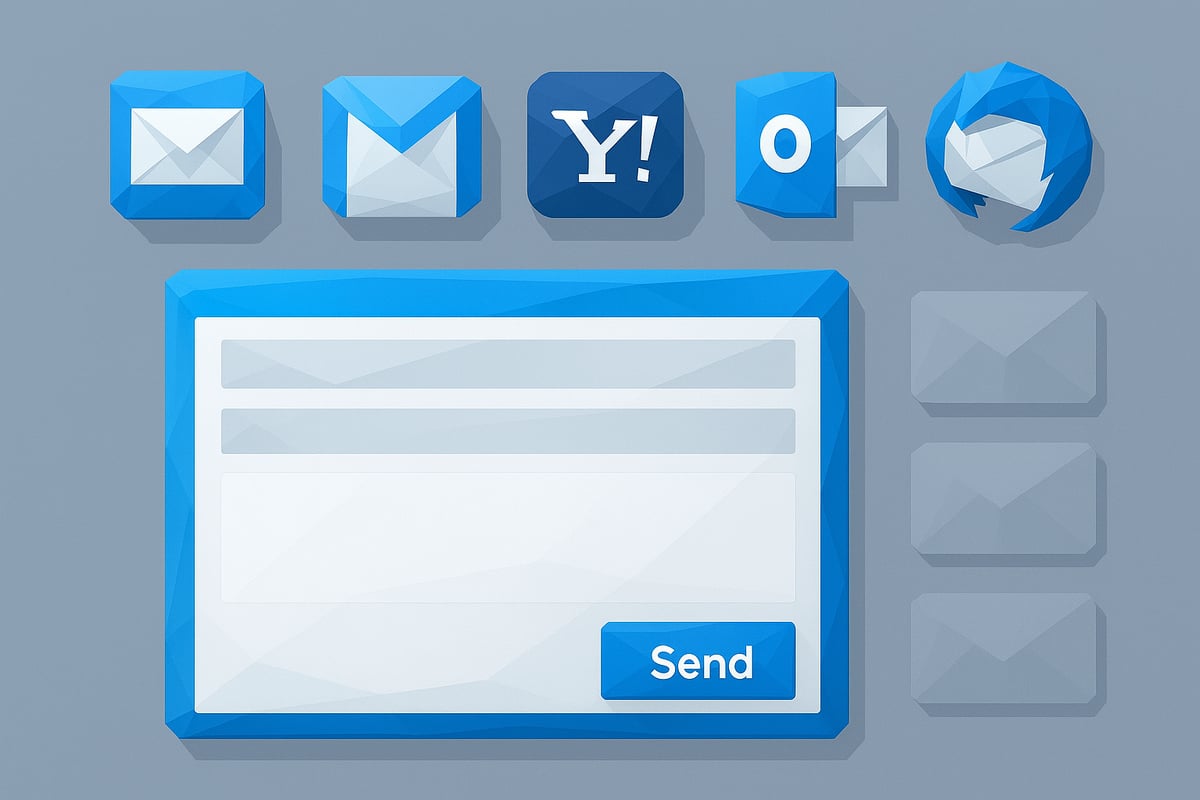
Let’s break down current support for in email form across major platforms. The majority of users open emails in clients that are increasingly friendly to interactive features, but there are still notable exceptions.
Email Client Support for In Email Form (2026)
| Email Client | Full Support | Partial Support | No Support |
|---|---|---|---|
| Apple Mail | ✔️ | ||
| Gmail | ✔️ | ||
| Yahoo! Mail | ✔️ | ||
| AOL | ✔️ | ||
| Thunderbird | ✔️ | ||
| Outlook (Desktop) | ✔️ | ||
| Android Default | ✔️ |
Apple Mail, Gmail, and Yahoo! Mail now offer robust support for in email form, allowing users to interact and submit directly within their inbox. However, some clients, like AOL and Thunderbird, provide only partial functionality, often limiting certain advanced features. Outlook (Desktop) and many default Android mail apps do not support these interactive forms at all, making fallback strategies essential.
A key technical consideration for in email form is the difference between GET and POST methods. Most modern clients, such as Apple Mail and Gmail, process forms using the GET method, which appends data as URL parameters. This method is widely supported and reliable for simple data collection. However, the POST method, which sends data in the request body, is often blocked or ignored by email clients due to security concerns. For example, if you use in email form with POST, it may simply not work in Gmail or Apple Mail, leading to a broken experience for your recipients.
Security and privacy remain top priorities when using in email form. Email clients are designed to protect users from malicious activities, so they restrict scripts and limit how forms interact with external servers. Sensitive data should always be transmitted over HTTPS, and form fields should be minimal and clearly labeled to reduce risk. Privacy regulations may also affect what information you can collect and how you process it, especially as privacy features in email clients continue to advance.
For clients that do not support in email form, you need to implement graceful fallback solutions. This can mean hiding the form and displaying a clear call-to-action button instead, which redirects users to a secure landing page. Dynamic content tools or conditional code can help detect the client and serve the appropriate experience. Testing your emails across all major clients and devices is essential to ensure that users always see a functional option and that your brand maintains a professional, seamless experience.
Staying updated on the Characteristics of Effective Emails will help you design forms that not only look great but also maximize compatibility and engagement. Remember, as in email form technology advances, keeping a close eye on client support and best practices will ensure your campaigns deliver results, regardless of where your audience reads their messages.
Step-by-Step: How to Build an Effective In Email Form
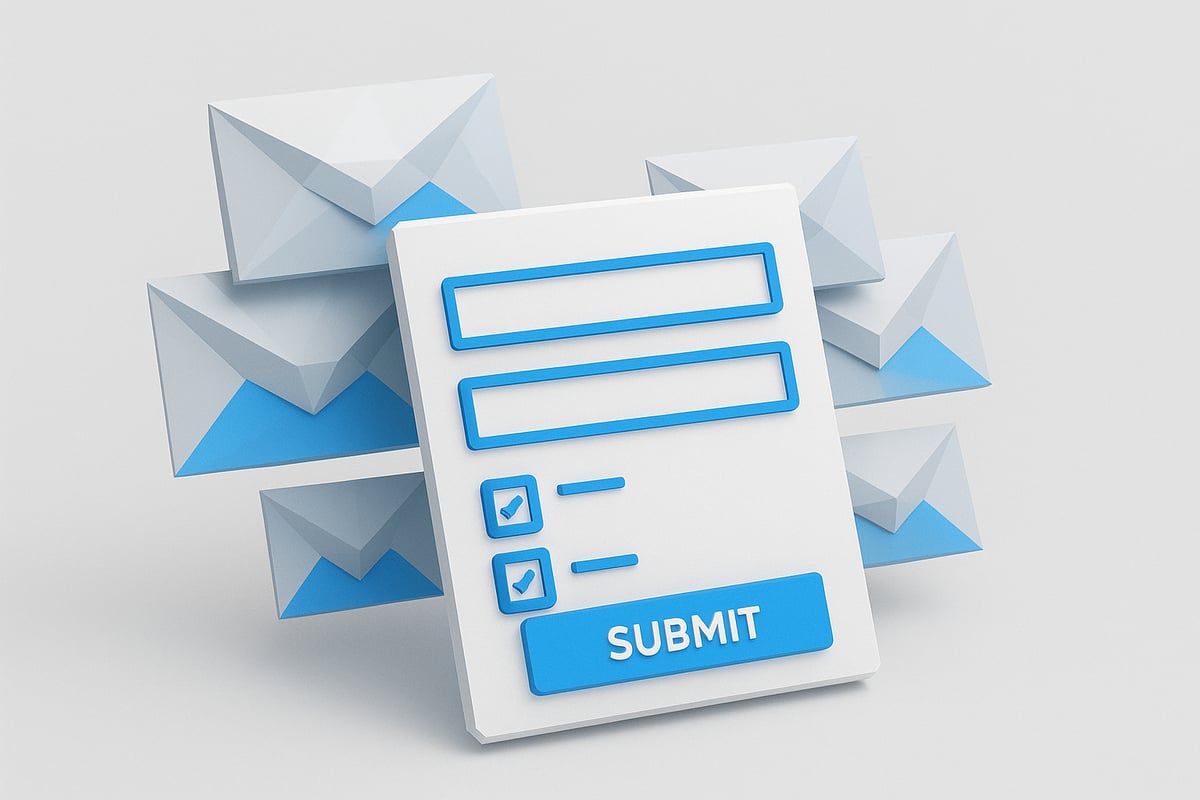
Building an effective in email form in 2026 requires a balance of technical know-how, creative design, and a strong focus on user experience. By following a clear process, you can craft forms that are compatible, engaging, and high-converting across today’s diverse email clients.
Understanding Form Structure and HTML Basics
At the heart of every in email form is the HTML <form> element. This tag defines the boundaries of your form and includes two essential attributes: action and method. The action attribute specifies where the form data should be sent, typically a backend endpoint or script that processes submissions.
Choosing the right method is crucial for in email form compatibility. Most email clients support the GET method, which appends form data to the URL as parameters. The POST method, which sends data in the body, may not work in many clients, so it’s best to use GET for maximum reach.
Here’s a simple example:
<form action="https://yourdomain.com/submit" method="GET">
  <label>Name: <input type="text" name="name" required></label>
  <label>Email: <input type="email" name="email" required></label>
  <input type="submit" value="Submit">
</form>
With this in email form, users can enter their name and email directly in their inbox, and the data is sent to your specified endpoint. Understanding how data is transmitted helps you plan integrations and ensures smooth operation across supported clients. For more on how email handles data, see Understanding Information in Email.
Designing Form Fields for Maximum Engagement
The design of your in email form fields impacts both completion rates and data quality. Use a mix of input types to collect relevant information:
- Text: For short answers like names.
- Email: For email addresses, with built-in validation.
- Tel and Number: For phone numbers or numeric data.
- URL: For website links.
- Textarea: For longer feedback.
- Checkboxes and Radio Buttons: For multiple or single-choice questions.
For best results, always wrap input fields with their corresponding labels to maximize compatibility, especially in webmail clients:
<label>
  <input type="checkbox" name="subscribe" value="yes">
  Subscribe to newsletter
</label>
Validation is vital in any in email form. Use the required attribute for mandatory fields and select appropriate input types to prompt correct user input. Limit your form to only essential fields to reduce drop-off and keep users engaged until submission.
Accessibility should be a top priority. Ensure each input has a clear label, establish a logical tab order, and use concise instructions. Short, focused in email form designs consistently outperform longer ones, especially in mobile environments.
Styling and Layout: Ensuring Cross-Client Consistency
Styling is often tricky for in email form due to the inconsistent support for CSS in email clients. Use inline CSS for all styling to maximize compatibility:
<input type="text" name="name" style="width:100%; padding:8px; border:1px solid #ccc;">
For layout, traditional HTML tables are still the gold standard in email. They provide reliable structure across platforms:
<table>
  <tr>
    <td><label>Name:</label></td>
    <td><input type="text" name="name"></td>
  </tr>
</table>
Avoid external stylesheets and advanced CSS features like flexbox or grid, as these are often stripped by email clients. For mobile optimization, use larger touch targets and sufficient padding. A well-structured in email form will look consistent and be easy to use, regardless of device or client.
Testing, Fallbacks, and Progressive Enhancement
Thorough testing is essential before deploying any in email form. Use tools like Litmus or Email on Acid to preview how your form appears in major email clients and devices. This helps catch rendering issues and ensures a consistent user experience.
When a client does not support forms, provide a graceful fallback. You can hide the form and display a clear call-to-action button or a link to a landing page instead. Use conditional content or dynamic blocks to serve different experiences depending on the recipient’s client.
Progressive enhancement means offering the best possible version of your in email form for supported clients, while ensuring a usable alternative for others. AMP for Email is one advanced option, enabling real-time interactivity and validation. For unsupported clients, present static content or a simple CTA.
Always provide clear success and error messages, so users know that their submission was received or if something went wrong. This attention to detail builds trust and enhances your brand’s reputation.
Data Handling, Privacy, and Compliance in 2026
Handling data securely and transparently is at the heart of any successful in email form strategy. When users submit details through an in email form, the information is typically sent to backend scripts, integrated tools, or even directly to an email address. The data flow is designed for speed, allowing marketers to collect real-time responses and act quickly on user feedback.
Every in email form collects valuable information, whether it is a product review, survey response, or contact details. It is crucial to understand exactly what data is gathered, how it is transmitted, and where it is ultimately stored. Most forms send data through HTTPS endpoints, ensuring data is encrypted in transit and protected from interception.
Privacy compliance is non-negotiable in 2026. Regulations such as GDPR, CCPA, and emerging local laws set clear standards for how in email form data must be handled. The table below summarizes key requirements for major regulations:
| Regulation | Region | Consent Requirement | Data Subject Rights | Enforcement Penalties |
|---|---|---|---|---|
| GDPR | EU/EEA | Explicit, granular | Access, erase, port | Up to €20M or 4% global |
| CCPA | California | Opt-out, clear notice | Access, delete, opt-out | Up to $7,500 per record |
| LGPD | Brazil | Explicit, informed | Access, correct, erase | Up to 2% revenue |
To comply, always include transparent privacy policies and gather explicit user consent before collecting data using an in email form. Use clear checkboxes for opt-in, and link to your privacy policy for full disclosure. For actionable guidance, see Email Consent Best Practices to ensure your approach aligns with the latest standards.
Securing in email form data is essential. Follow these best practices:
- Use HTTPS endpoints for all data submissions.
- Collect only the minimum data required.
- Store data securely, using encryption at rest.
- Limit access to sensitive information.
A compliant in email form might include:
<form action="https://yourdomain.com/submit" method="GET">
  <label>Name: <input type="text" name="name" required></label>
  <label>Email: <input type="email" name="email" required></label>
  <label>
    <input type="checkbox" name="consent" required>
    I agree to the Privacy Policy
  </label>
  <button type="submit">Submit</button>
</form>
Always provide a direct link to your privacy policy and ensure the consent checkbox is required for submission.
For sensitive data, implement double opt-in or user verification. This extra step confirms the user’s identity and intent, reducing risk and improving compliance. Keep in mind that Apple’s Mail Privacy Protection and similar features can limit tracking and open detection, so design your in email form workflows to focus on explicit user actions rather than passive signals.
In summary, a secure and compliant in email form approach builds trust, ensures regulatory alignment, and protects both your users and your brand.
Advanced Techniques and Future Trends for In Email Forms
Innovation in in email form technology is rapidly changing how brands connect with users. As we look toward 2026, new tools and smarter integrations promise to make these forms even more engaging, efficient, and effective.
<div data-youtube-video> <iframe src="https://www.youtube.com/embed/Yg6POD0M30w" frameborder="0" allowfullscreen data-type="youtube" data-youtube-video-id="Yg6POD0M30w" ></iframe> </div>AMP for Email and Next-Gen Interactivity
AMP for Email is at the forefront of advanced in email form capabilities. With AMP, forms can offer real-time validation, dynamic content, and seamless interactions right in the inbox. This technology allows users to update preferences, complete surveys, or even submit support requests without leaving their email.
Brands leveraging AMP-powered in email form solutions see higher engagement and conversion rates. According to AMP emails in 2025, the adoption of AMP emails is growing, with more clients supporting interactive experiences each year. However, there are still technical hurdles, as highlighted in AMP for Email adoption challenges, including limited client support and complex implementation requirements.
Despite these challenges, AMP is setting the stage for the next generation of interactive communication. Staying current with AMP advancements will ensure your in email form remains competitive and future-ready.
AI, Automation, and Smart Integrations
Artificial intelligence is transforming how in email form functions. AI-powered features like auto-complete, smart suggestions, and predictive input help users complete forms faster and more accurately. Imagine an in email form that recognizes frequent responses or suggests answers based on a user's past interactions.
Automation also plays a crucial role. Integrating in email form submissions directly with CRM or marketing automation platforms enables real-time workflows. For example, user feedback can instantly trigger personalized follow-ups or update contact segments.
These integrations reduce manual effort for marketers and enhance the user experience. As AI and automation become more sophisticated, in email form will continue to streamline data collection and increase engagement for brands.
The Road Ahead: Trends, Gamification, and Expert Insights
Looking ahead, the future of in email form is bright. Multi-step forms and in-email surveys are gaining popularity, allowing brands to gather richer insights while keeping users engaged. Gamification, such as interactive quizzes and polls, can transform a routine form into an enjoyable experience, encouraging higher completion rates.
Several brands are already achieving impressive results with advanced in email form strategies. As compatibility improves and more email clients adopt interactive standards, expect to see even more creative uses emerge. Experts predict that by 2026, in email form will be an essential tool for every serious email marketer, offering real-time data collection and a frictionless user journey.
Staying ahead of these trends and continuously testing new techniques will ensure your in email form efforts deliver outstanding results.
Best Practices and Common Pitfalls to Avoid
Implementing an in email form can dramatically improve user experience and data collection, but only if you follow proven best practices. Many marketers make avoidable mistakes that hurt deliverability or frustrate users. Let’s explore what you should do, and what to watch out for.
Best Practices for In Email Form Success
- Keep forms short and focused. Limit your in email form to essential fields only, like name, email, or a single survey question. Long forms reduce completion rates.
- Use clear CTAs. Make your call-to-action button easy to spot and understand. Use direct language such as "Submit," "Send Feedback," or "Update Preferences."
- Prioritize accessibility. Ensure labels are clear, tab order is logical, and the form can be used with a keyboard or screen reader.
- Provide immediate feedback. Show success or error messages right in the email when possible, so users know if their submission worked.
- Maintain brand consistency. Style your in email form with your brand’s colors, fonts, and logo for trust and recognition.
Common Pitfalls to Avoid
Avoid over-collecting data with your in email form. Only request information you truly need. Using unsupported input types or complex layouts can cause forms to break in some email clients.
Do not ignore accessibility. Forms without clear labels or logical navigation can alienate users. Failing to provide feedback after submission leaves users confused about whether their data was received.
Spam filters can also be triggered by excessive form code or scripts. Keep your code clean and avoid unnecessary elements. Testing your in email form with different providers helps prevent deliverability issues.
Optimization, Testing, and Continuous Improvement
Always test your in email form on multiple devices and email clients. Use tools or manual testing to catch rendering issues before launching campaigns. Provide alternative CTAs—like a link to a landing page—for clients that do not support forms.
Ongoing optimization is key. Regularly run A/B tests and analyze performance data. According to Email marketing statistics 2025, brands that iterate their email strategies see higher engagement and conversion rates.
Use analytics to identify drop-off points or incomplete submissions. Adjust your in email form design and messaging based on real user behavior to maximize results.<br><br>You’ve just explored how in email forms can transform the way you connect with users—streamlining feedback, boosting engagement, and simplifying data collection right from the inbox. If you’re ready to take the next step and put these strategies into action, why not try a platform built specifically for modern teams? With Minimo, you can easily trigger lifecycle emails and WhatsApp flows directly from your database, all without complicated scripts or extra tools. Start building smarter, more interactive campaigns today—Get started for free.